


A bit earlier than usual, Shopify has already shipped more than 150 changes in its Fall '26 edition, with the busiest BFCM period around the corner. Merchants and developers don't have time to go through all of the Shopify updates, but they need to know which ones are worth acting on now and which can wait.
Our team has already read the full edition and opened the help doc behind each feature. And, unlike Shopify's UI/UX designers, we've made sure you can actually read through the updates without getting lost along the way :)The list splits into two groups: changes that affect how a business sells, and changes that affect how a store gets built. Some of it is usable this week, while other items won't land until after the holiday peak.
Shopify calls this release "Exponential" and organizes it across eleven areas, from Agentic to Developer.
The short version of Shopify updates news
Most Shopify updates news coverage lists features. This table ranks the Shopify Fall 26 edition items by whether they change a decision before BFCM.
Update | Who it affects | Status | Why it matters now |
|---|---|---|---|
Rollouts with experiments | Ecommerce | 🟢 Live | Bundles theme, checkout, catalog and discount changes into one scheduled switch |
Scheduled catalogs | Ecommerce | 🟢 Live | Prices revert automatically when a promotion ends |
Shopify Protect: Rule Builder | Ecommerce | 🟠 Rolling out | Fraud blocking and AI dispute responses move into the platform |
Selling in Google AI Mode and Gemini | Ecommerce | 🟢 Live | New checkout surface you manage from the same admin |
Session measurement change | Ecommerce | 🟢 Live | Your year-over-year numbers will shift without any change in performance |
Custom checkout fields | Ecommerce | ❗️Not before BFCM | Plus-only for most field types |
Per-market shipping and returns | Ecommerce | 🟢 Live | Return and cancellation rules differ by market from one store; cart preview still coming |
WebMCP | Developers | 🟢 Live | Agents work through structured tools instead of simulated clicks, which also simplifies QA |
Hydrogen and Vercel Shop | Developers | 🟢 Live | Customer accounts, predictive search, AI agent skills and one-click Vercel deploys, plus a Next.js starter |
Script tag removal | Developers | 🟢 Live / In effect | Apps can no longer create or update script tags |
Offline access tokens | Developers | ❗️ January 2027 | Apps that don’t address expiring tokens risk their App Store listing |
Part 1. Shopify updates for ecommerce businesses
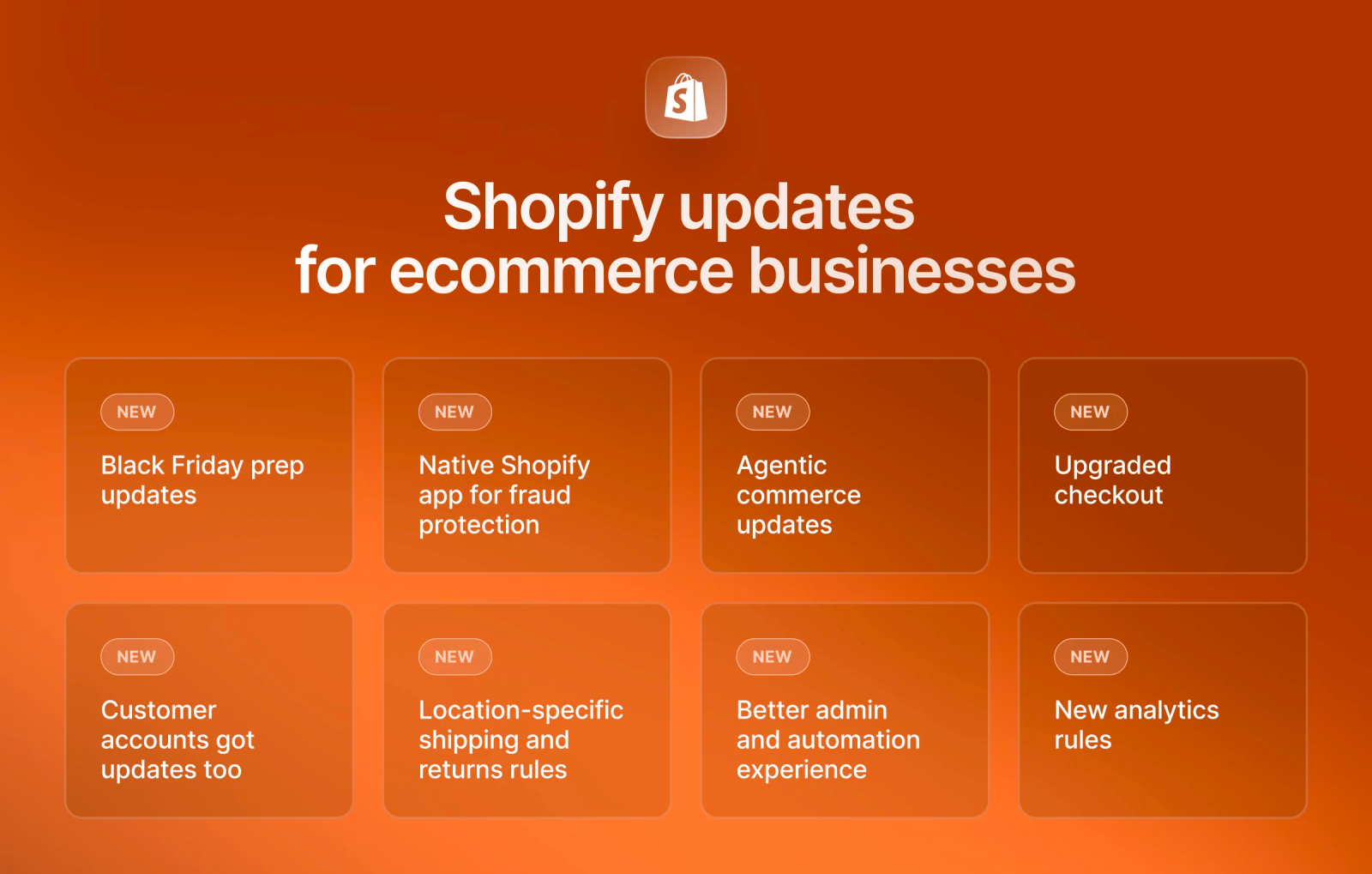
We've picked out updates across seven areas and now want to share our observations on how these could change sales and daily operations.
Black Friday prep: one switch instead of twelve
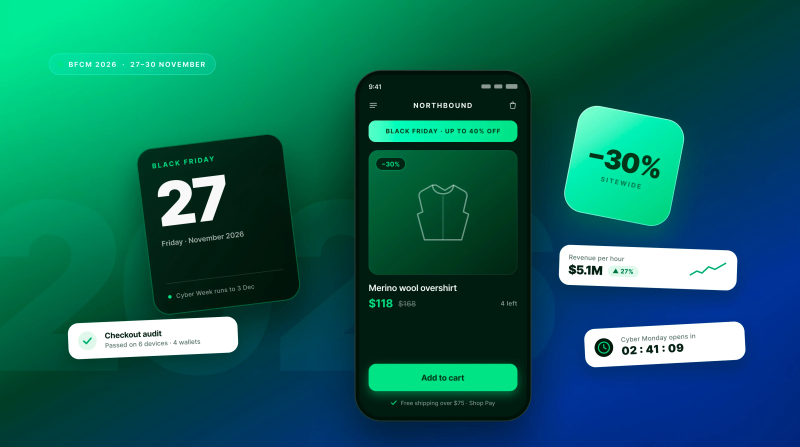
Black Friday campaigns often involve several changes to storefront design, prices, discounts, and checkouts. Getting everything live at the same time isn't always easy, especially when several teams are involved. Until now, each lived in a different part of the admin. Teams either switched them on by hand at midnight, used separate scheduling apps (Shopify’s own Launchpad was Plus-only), or accepted that for a few minutes some shoppers would see a sale banner with old prices.
Rollouts bundle the theme change, checkout settings, catalog prices and discount into one package that goes live on a schedule you set. It means that everything goes live together, on time, for every plan. The type you choose decides what happens when it ends:
Type | What happens when it ends | Best for |
|---|---|---|
Event | Everything reverts on the date you set | Sales and promotions |
Launch | Changes stay, with no undo | Redesigns and permanent changes |
Experiment | Traffic splits between versions (50/50 and 90 days by default) | A/B tests, on Grow plans or higher |
For a Black Friday sale, for example, the Event rolls back by itself, so nobody spends the following week undoing sale prices.
Scheduled catalogs cover pricing. Catalogs let you schedule price and publishing changes per market and roll them back when the promotion ends. For brands selling in several markets, that means one scheduled change with an end date instead of a manual revert in every region.
Say, our client Seven Sundays, wants to release a limited set of holiday gift bundles. With one Event Rollout, the new holiday theme section, the bundle prices, and a gift discount all go live on December 1 at 9 am and switch off on December 27, with no one logging in to change a thing.
Fraud and disputes stop being an app problem
Until now, merchants who wanted custom fraud rules had to rely on third-party apps such as Signifyd or NoFraud. These services come at a cost, although some also cover eligible fraud losses.
The new Shopify Protect app gives merchants more control over fraud checks through Rule Builder. It lets you create fraud rules based on customer details, shipping addresses, IP addresses, and payment data, with three possible actions:
- Block the order
- Request 3D Secure verification
- Hold the order for manual review
Before a rule goes live, you can test it against your last 90 days of orders. Shopify also alerts you if actual results differ from the test.
At Cheeky, for example, a small team carries a Shopify Plus store through a seasonal spike. Too many disputes to absorb quietly, not enough to justify hiring someone for them. That's where the hours show up.
One thing to watch: If you already have a fraud app, Rule Builder just adds another cost for its checks on the same orders. Even with an app that provides a fraud guarantee, Shopify keeps you responsible for any losses. Also, the free layer is already running on your store if you use Shopify Payments, so open the Protect report before BFCM rather than after. Rule Builder is worth it if you want control over your own rules and can carry the fraud loss yourself. If you’re paying for a guarantee today, work out what that guarantee is actually costing you per order before you swap it for seven cents.
Your product data is the new storefront
Agentic Shopify editions 2026 move the purchase itself off your storefront. Shoppers can buy inside Google Search, including AI Mode, and the Gemini app, with checkout powered by Shopify, and the orders arrive in your admin as normal. Shop Pay works inside Claude, Grok, Muse and Instinct, and connectors exist for Gemini, Grok, Muse and Microsoft Copilot.
For merchants, this changes a few things:
- Some shoppers will buy inside an AI assistant and never see your site, design, upsells or custom features
- Agents only see what’s in Shopify Catalog, so products with thin or missing categories simply won’t show up
- B2B-only stores and some product categories are excluded, according to the rules, and your account standing, including chargeback rate, affects eligibility
- Fields added by checkout apps might not appear in AI checkouts, so orders can arrive missing data your warehouse needs.
Bottom line: the stores that win won’t be the best-looking ones, but those with the most complete and accurate product data.

AI agents are selling for you. We keep them selling.
Ongoing Shopify support that keeps your catalog clean, eligible and ready for every new channel.
Checkout and customer accounts
Shopify's checkout has long had a few limitations. Merchants often needed third-party apps to collect extra customer details, Apple Pay worked mainly through Safari, and checkout forms left room for improvement. The latest updates address these issues, although some features won't arrive in time for BFCM.
Custom checkout fields are coming, but not before BFCM. Merchants will be able to add text fields, date pickers, checkboxes, and choice lists directly to checkout, with responses saved to order metafields.
There are two important restrictions:
- Shopify Plus: Access to all supported custom field types
- Other plans: Access limited to delivery instructions and gift messages
There's also a potential problem with AI purchases. Native checkout fields appear in agentic checkouts, including those through Google AI Mode, but fields added through third-party apps may not. If your warehouse depends on a field added by an app, an AI order could arrive without essential fulfillment details.
Other checkout updates are more immediate:
- Apple Pay beyond Safari: Customers on Chrome and Firefox can scan a QR code with their iPhone to complete payment. This could help recover desktop sales previously lost due to browser restrictions.
- Updated checkout layout: Payment methods appear as tiles instead of radio buttons, with tighter form layouts and clearer error messages. These changes are expected soon and require no merchant action.
- Customer accounts: Shop sign-in now connects with Shopify Forms and Klaviyo lead capture, making it easier for customers to identify themselves.
Bottom line: Apple Pay support and checkout layout changes could improve conversions with little effort from merchants. Custom fields need more planning, especially if you rely on third-party apps to collect details that must also reach orders placed through AI channels.
Shipping and returns that follow local rules
For brands that sell across borders, one return policy rarely works equally well in every country. Until now, Shopify's store-wide return rules left merchants with two choices: apply the same terms everywhere or manage separate stores for different markets. The first could cost more than necessary, while the second added administrative work.
Shopify Markets now gives merchants more control over local policies within a single store. Four Shopify updates make this possible:
- Shipping options set per market or region
- Local return and cancellation rules that differ by market (for example, EU and US shoppers can have policies that reflect local requirements)
- Product-specific return windows that change for selected products or collections
- Cart preview to see exactly what a shopper in each market sees, without having to test every region manually (this feature is coming soon)
Bottom line: As a merchant operation in the US and EU, for example, you can now manage international shipping and return policies from one store, meet local requirements, and avoid unnecessary costs from overly generous return terms.
Admin, automation and orders
These Shopify updates won’t make headlines, but they’ll save your team time every week.
Some of the most practical Shopify updates in this release address everyday tasks that used to take too many steps. Catalog edits, workflow changes, and post-purchase adjustments are now easier to handle, which matters most when order volumes rise.
Admin: fewer steps to manage your catalog
Previously, merchants had to move between different screens to update products, variants, and metafields. Shopify has simplified that process:
- Products and variants: Edit details on the same page, with bulk controls for multiple variants
- Metafields: Update values directly from the relevant admin page.
- Files: Organize uploaded assets into folders instead of searching through a long list
For teams that manage large catalogs, these changes mean less manual work, especially before a major sale.
Shopify Flow: more triggers and a way to undo mistakes
Flow previously offered fewer options to react to product changes, and workflow edits were difficult to reverse. Two updates address those problems:
- Product change triggers: Start workflows when a product's price, tags, metafields, or other fields change. For example, a price drop can trigger a team notification or automatically update a product tag
- Version history: Preview, compare, and restore earlier workflow versions as drafts before they go live
Version history is particularly useful during peak sales. If someone changes a workflow and it causes problems, the team can return to an earlier version instead of rebuilding it from memory.
Orders: fewer manual fixes after checkout
Post-purchase changes often required extra steps, manual calculations, or workarounds. Shopify now supports four useful actions:
- Apply discounts after checkout: Add a discount to an existing order, with automatic updates to totals and allocations
- Add subscriptions to draft orders: Include subscription products and send customers an invoice to complete checkout
- Write off unpaid balances: Close amounts you don't expect to collect without losing accurate financial and tax records
- Recalculate taxes after address changes: Update line-item taxes automatically when a customer's shipping destination changes
None of these updates will change how customers discover your store, but they can save hours of admin work. Flow's version history is especially valuable because it makes mistakes easier to correct before they affect more orders.
Analytics: your numbers are about to move
This is one of the most important Shopify updates of 2026, and it affects every store, regardless of plan. The risk isn't that your store will perform worse. It's that your team could make the wrong decisions based on different-looking numbers.
Until now, Shopify counted sessions using its previous measurement method. That changes with the new analytics rules, which:
- Filter out bot traffic
- Combine repeat visits into a single user journey
- Account for cookie consent when counting visits
As a result, session counts may drop while conversion rates rise, even if sales stay exactly the same. Stores with significant EU traffic could see a larger difference because visits without the required consent no longer count.
Worth noting that:
- This year’s BFCM campaign results can look better than last year’s without any real improvement
- If your marketing team's KPIs are tied to conversion rate, they may be hit on paper, but not in revenue
- A/B tests that run across the change might be comparing two different ways of counting, so be careful there
- The gap between Shopify and GA4, your ad platforms, or other tools may widen
Your marketers might want to add an annotation to your reports on the day the change took effect, so when someone reviews the numbers in February, it will be clear why the chart moved.
Make sure your Shopify data tells the right story
We'll review your analytics setup, identify measurement gaps, and help your team make sense of the numbers before they affect business decisions.
Part 2. Shopify updates for developers
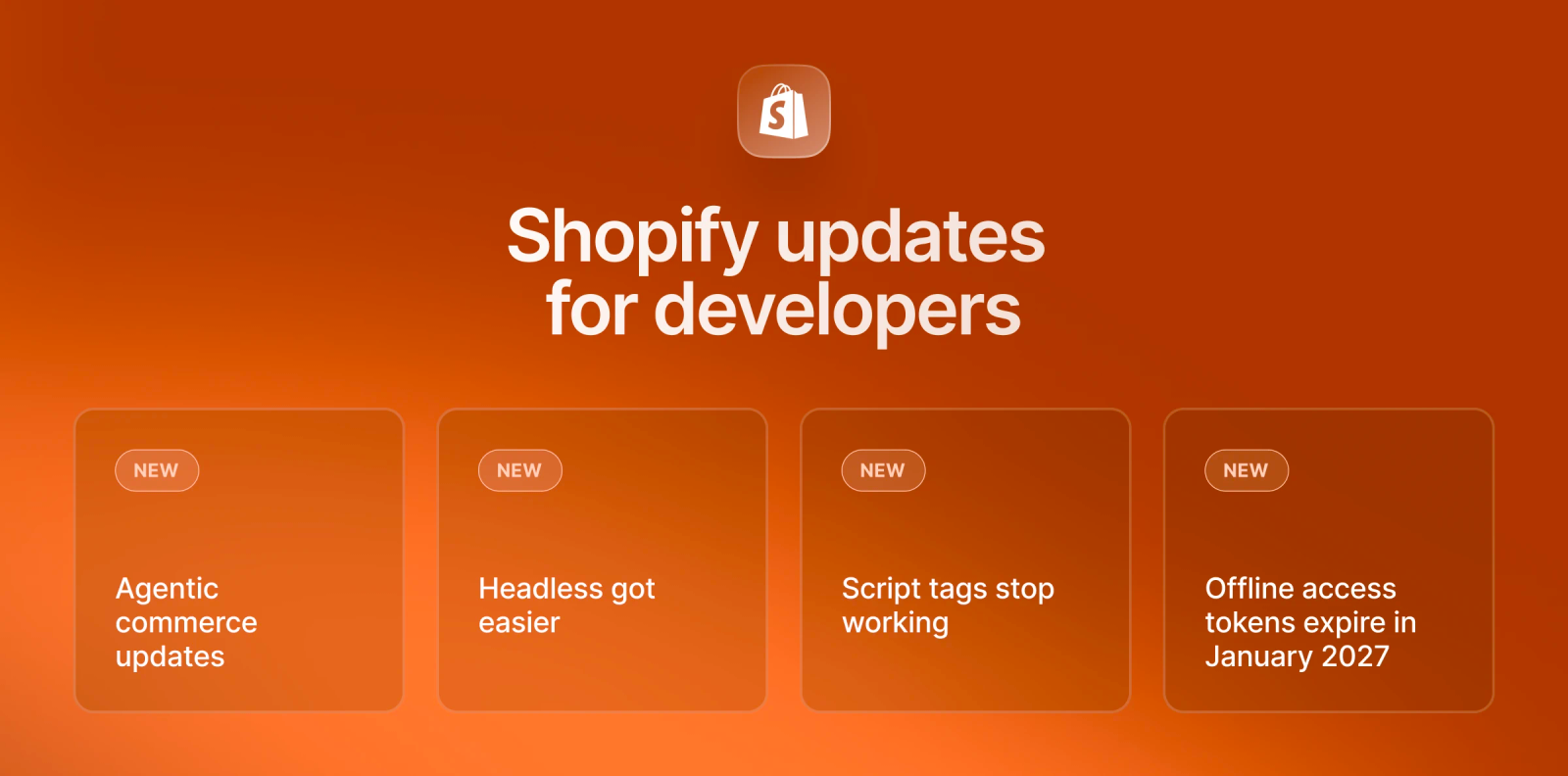
Most of the updates here are more relevant to next year's plans than to anything you need to act on today. There's one exception, though, as it could cause problems on a live store, even if you don't plan platform migration.
Agentic commerce updates that make developers life easier
The next two Shopify editions of 2026 matter most if you build on the platform.
Until now, AI agents had to read a page's code and simulate clicks to interact with a store. Developers and QA teams often relied on browser extensions or tools like Playwright to test these actions.
Shopify's new WebMCP gives agents a more direct way to work with storefronts. Instead of navigating the page like a human, an agent can use structured tools to:
- Search products, collections, and catalogs
- Check product details and availability
- Add products to a cart and update its contents
- Read and update checkout details
- Complete eligible checkouts after buyer confirmation
These actions take place in the shopper's live session, so changes appear on the storefront immediately. For developers and QA teams, this means they can test cart behavior and supported checkout flows without scripts for every browser interaction. WebMCP won't replace all browser-based tests, but it can simplify routine checks.
Shopify’s made headless development easier
Hydrogen now includes customer accounts, predictive search, built-in AI agent skills, and one-click deployment to Vercel, making headless development easier to start
Vercel Shop offers a ready-made Next.js template based on the new Hydrogen SDK, so developers can start without building the initial storefront setup from scratch
Script tags stop working on March 1, 2027
Shopify previously allowed apps to add scripts directly to storefronts for features such as review widgets and tracking. Since October 1, 2026, apps can no longer create or update script tags, although existing ones still work.
That changes on March 1, 2027, when Shopify stops loading them entirely. Any feature that still depends on those scripts could disappear from the storefront.
Here's what to do before the deadline:
- For merchants: Check which apps still use script tags and whether their developers have moved to theme app extensions or web pixels. Custom apps may also need changes to their theme code.
- For developers: Replace script tags with app embeds or web pixels, ask merchants to activate the new embeds, and remove old scripts to prevent duplicate code.
The biggest challenge for developers may be getting merchants to activate the replacements, so it's worth starting early.
Offline access tokens expire in January 2027
App developers who want to keep their apps listed on the Shopify App Store must address expiring offline access tokens by January 2027.
Shopify has also tightened its App Store requirements. App names must be unique and recognizable, while reviews now face checks against shop trust and app activity.
Developers should review their token setup and App Store compliance before the deadline rather than risk issues with their listings.
Not all Shopify updates require action, though. Shopify has also improved page performance by delivering only the CSS each page needs, which helps reduce unnecessary code.
Bottom line: March 1, 2027, is the key deadline for merchants and developers who still rely on script tags. App developers also need to address offline access tokens by January 2027. Neither is something to leave until the last minute.
What to prioritize four weeks before BFCM according to Shopify latest update 2026
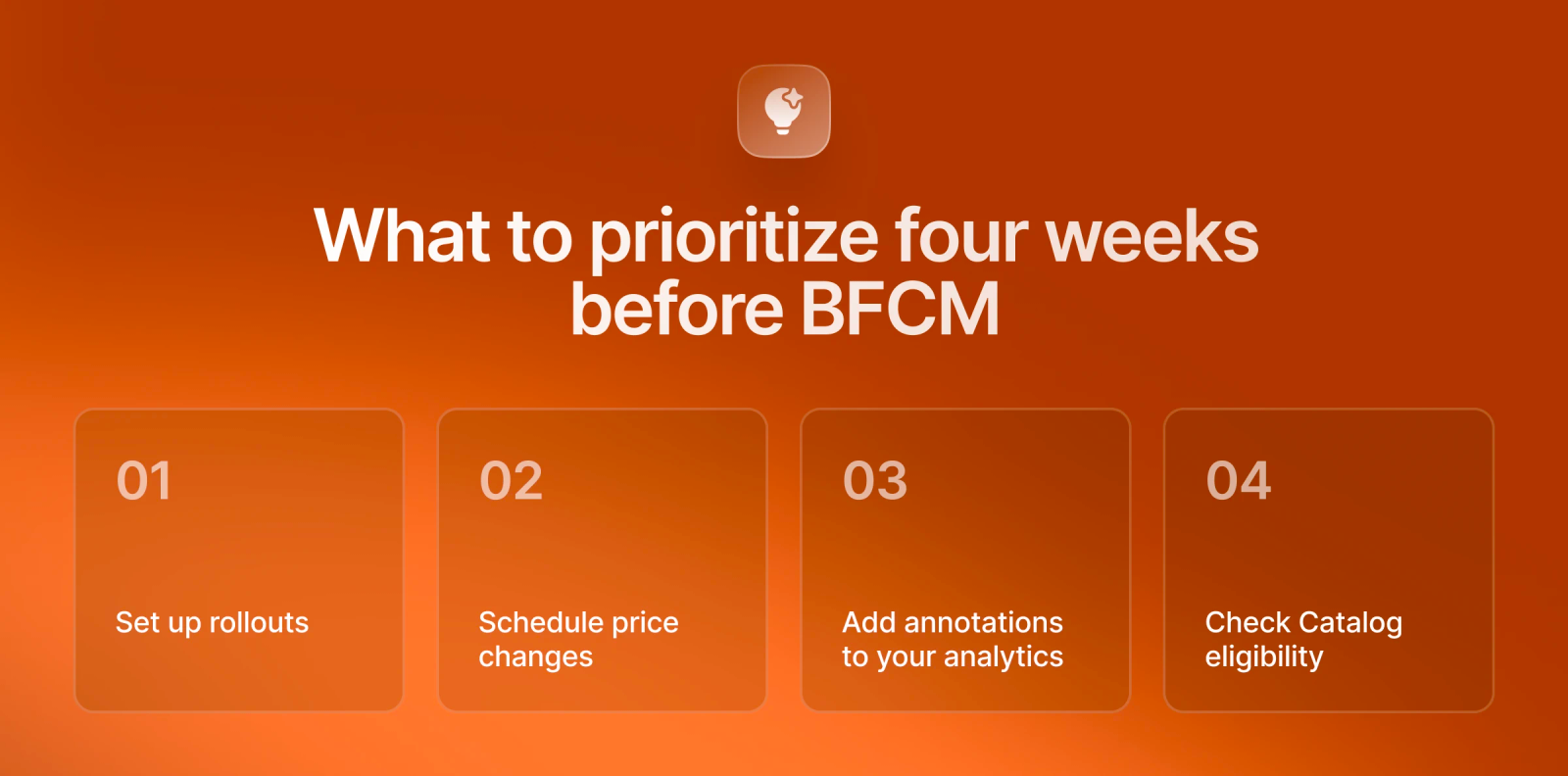
With BFCM just four weeks away, now isn't the best time to introduce changes that need development and extensive testing. But there's still plenty you can do in your Shopify admin without involving a developer.
Start with these four tasks:
- Set up rollouts for the changes you plan to make during BFCM.
- Schedule price changes for your holiday promotions and set an end date so prices return to normal automatically.
- Add annotations to your analytics to mark when session measurement changed. This will help you make sense of the numbers later.
- Check Catalog eligibility to see whether your products are ready to appear in AI shopping channels.
These are the Shopify updates today worth prioritizing. Other features can wait. Custom checkout fields won't arrive before BFCM, while the new theme architecture is still in developer preview.
There's one more task we'd recommend handling this week: check whether any of your apps still depend on script tags. You don't want to discover a compatibility issue when Black Friday traffic starts coming in.
Looking at the Shopify Fall '26 edition as a whole, Shopify is taking on more of the work around product discovery, checkout, and chargeback management. For merchants, that could mean fewer tools to manage. But mind a trick: these features work best when your product information is accurate, your settings are correct, and the store is properly maintained.
That's been a recurring theme across the Shopify update 2026 releases. Before adding more features, it's worth making sure you're getting the most from what's already available.
Put the Fall ‘26 updates to work
We’ll check your setup, apply the updates that matter before BFCM, and stay on to handle the next edition too.
Written by
 Yurii ZablotskyiContent Marketing Specialist
Yurii Zablotskyi is a passionate content writer and storyteller with a strong marketing background, focusing on marketing, sales, and technology, turning complex ideas into valuable content.
Was this helpful?
0No comments yet