


Starting April 1, 2025, Shopify is deprecating the Checkout API, and after the deadline, customers won’t be able to create and complete checkouts with the obsolete API. Note that this deprecation will impact Shopify Admin API and Storefront GraphQL API endpoints.
How should you prevent disruptions? This article discusses how to update your checkout using the Storefront Cart API.
How to migrate to the Storefront Cart API
To prepare your checkout for the Checkout API sunset, you need to start migrating as soon as possible to avoid future errors. If you currently have no Shopify developers on your team, we strongly recommend getting professional assistance for a smooth migration.

Make your Shopify checkout work without disruptions
The Storefront Cart API is part of the Storefront API. It’s used for building custom storefronts, apps that interact with Cart and Storefront, and more.
You can access the API using the endpoint.
What are the benefits of the Storefront Cart API?
To understand why Shopify deprecates the Checkout API, get familiar with some of the Storefront Cart API benefits.
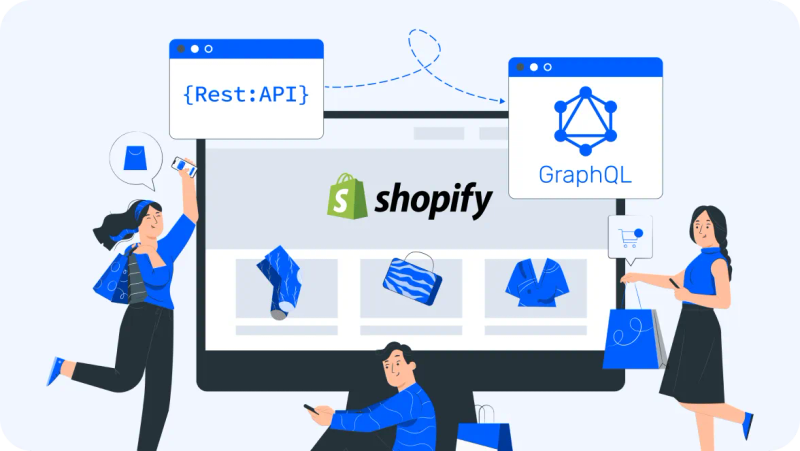
- It is offered exclusively in GraphQL, which enables efficient data fetching. See how to migrate from REST API to GraphQL.
- This API functions on both the backend and frontend, enabling cross-platform compatibility.
- It has no rate limits and comes with built-in bot protection for better security.
- The API gives you access to all Shopify features, including product bundles, subscriptions, and more.
- It enables seamless integration with Shopify Functions and UI extensions.
- It supports stackable discount codes, which provides more options for marketing campaigns.
To sum up, the new API for checkout is better compatible with the whole Shopify infrastructure and is supposed to provide better development and user experience.
How to migrate from the Checkout API to the Storefront Cart API
The migration process implies replacing Checkout API requests with new Storefront Cart API queries and mutations. Use the following guide to update your code.
- Create a Cart. The Storefront Cart API enables you to add, remove, and update items and more in the cart before you create the checkout. So, instead of creating checkout through the Checkout API, you can now modify a cart using the Storefront Cart API.
- Handle errors. Instead of requesting checkoutUserErrors in the Checkout API to receive information about errors, request userErrors with the Storefront Cart API.
- Update a cart. Before finalizing the cart and sending a customer to checkout, you need to adjust cart line items, discounts, attributes, and more. The Storefront Cart API offers three main mutations for updating line items in the cart: cartLinesUpdate, cartLinesAdd, and cartLinesRemove. The former mutation is similar to checkoutLineItemsReplace in the Checkout API. It replaces the existing line items with new ones to refresh the cart’s content.
- Apply multiple discount codes using the discountCodes field in the cartDiscountCodesUpdate mutation instead of non-stackable codes with the Checkout API.
- Associate a customer. Update the buyer's identity and preferences using the cartBuyerIdentityUpdate mutation. Manage delivery addresses using the new cart delivery mutations: cartDeliveryAddressesAdd, cartDeliveryAddressesUpdate, cartDeliveryAddressesRemove.
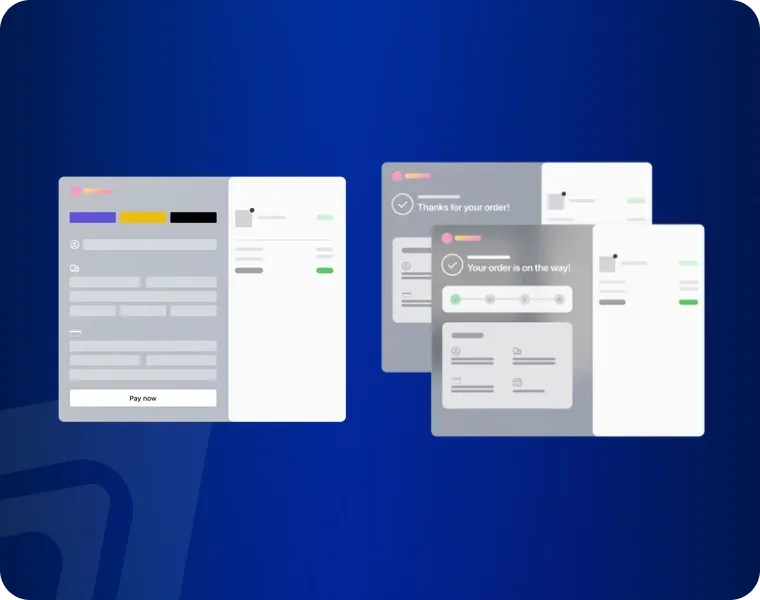
- Complete the checkout. With the Checkout API, the checkout is completed by retrieving the checkout web URL from the Checkout object's webUrl field. In the Storefront Cart API, you can retrieve the checkoutUrl from the Cart object at any point of the flow to send a customer to the Shopify checkout.
See more details about the migration process in the Shopify documentation.
For updating mobile apps, you can also use the Checkout Sheet Kit. It’s a library compatible with Android, Swift, and React Native that supports Shopify customization services features, dark and light modes, and convenient developer APIs for building seamless checkout experiences.
Once you’ve replaced the deprecated Checkout API code with the new Storefront Cart API queries and mutations, test if everything works according to your flow. If you need help at any step of the process, don’t hesitate to get in touch with us. The DigitalSuits team helps Shopify merchants keep their stores running smoothly and up-to-date at all times, providing expert Shopify support and maintenance services.
Written by
 Anastasiia MoskvichovaContent Marketing Specialist
Anastasiia is an enthusiastic content writer who diligently researches and curates valuable information to craft engaging content tailored for readers with a keen interest in marketing, sales, and technology.
Was this helpful?
0No comments yet