



WaterTechniek Twente cuts P&ID verification time by 92%, with AI automation
Our client is a Dutch engineering company that designs and builds technical installations for water treatment plants across the Netherlands. It works with multiple water authorities, each with its own tagging conventions.
The company handles integrated design-and-build projects end to end: P&ID design in AutoCAD, cost estimation, and handoff to the contractor. Most facilities remain operational during construction, so documentation mismatches can have real on-site consequences.
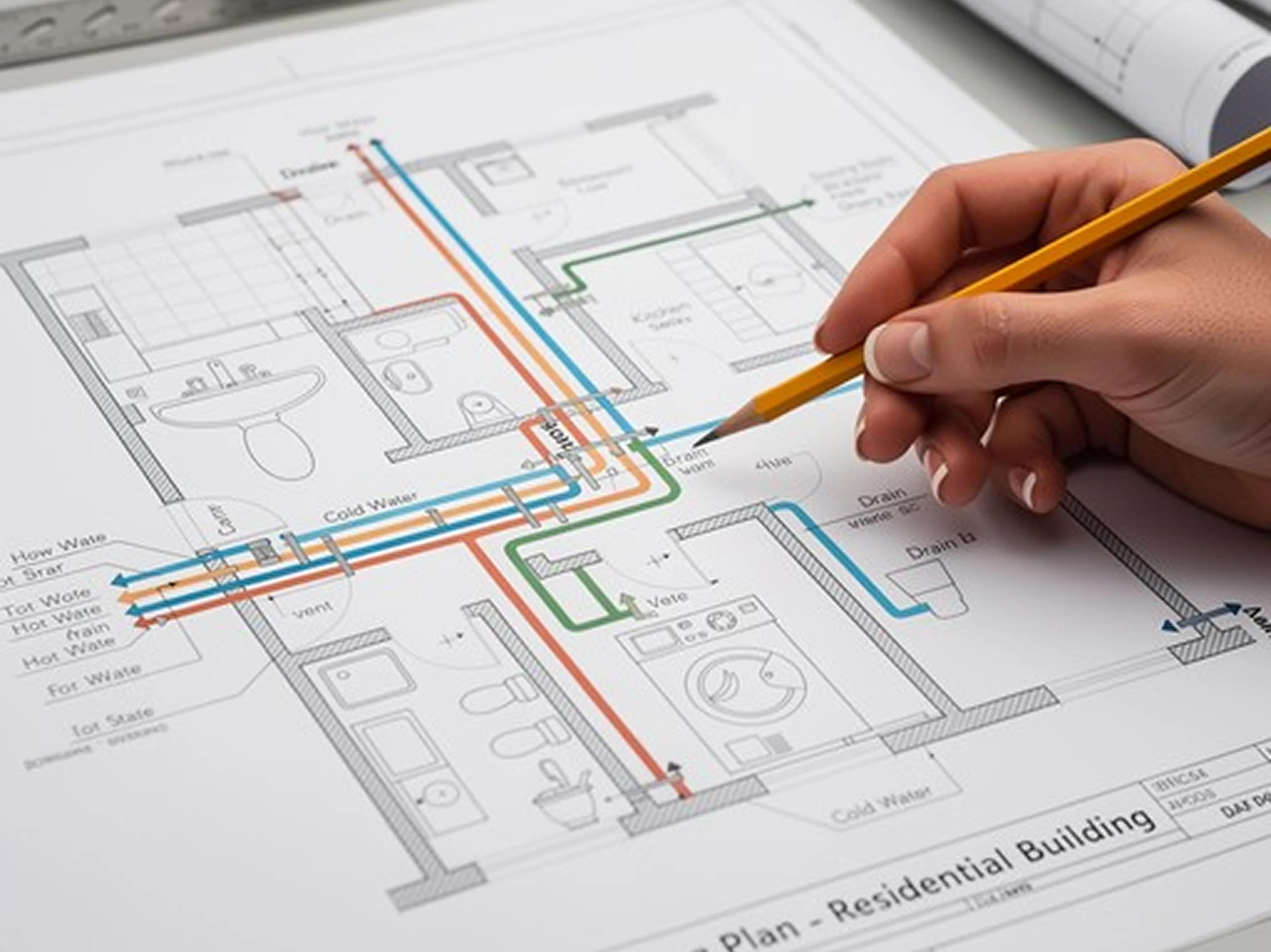
Before a project could be signed off, a dedicated specialist had to verify that the drawings matched the specification. The process was entirely manual: one specialist, sometimes two, reviewing large-format drawings by eye. On average, it took around 3 days per project.
That manual bottleneck limited how many projects the company could take on. To grow, they had two options: hire and train more specialists or automate the check.
They asked us to test whether automation was feasible, starting with a proof of concept.
Client
Country
Netherlands
Industry
Construction
Partnership period
June 2025 - ongoing
Team
Fractional CTO, Product owner, Business Analyst, AI/ML engineer, Frontend developer, Backend developer, DevOps, QA expert
Services
Technologies
Next.js, Shadcn, TypeScript, Python, Django, PostgreSQL, Azure, Azure AI, GPT-5.4 mini

When manual checking stops scaling
The main bottleneck was document verification: time and accuracy. What it cost the business:
- Three working days per project. Every tag on the drawings has to exist in the Excel specification and vice versa, checked by hand across 20 to 30 large, densely detailed pages. Anything present in one and missing from the other changes the estimate. With around five projects a month, this consumed one full-time specialist almost entirely.
- Errors survived the process anyway. Even after a careful manual pass, tags were missed and discrepancies slipped through. Usually, on page 25, humans' attention fades.
- The knowledge lived in one or two heads. Only two people knew how the check was done. If either left or was unavailable, the capability left with them.
- Growth meant hiring. The company was taking on more work and needed either a new person to hire or automation. An additional specialist means around €48,000 gross (as per CPB), with holiday allowance, employer contributions, and pension on top. In any case, it wouldn't have fixed the quality issues or reduced reliance on a few key people.
The client's own target was specific: an average 30-page project should be processed in a single overnight run. Upload in the evening, results in the morning. In hands-on hours, that meant reducing the work by three to four times.
Two further constraints shaped the work:
- Accuracy above manual checking. Anything less and the system would add a review step rather than remove one.
- Predictable running cost. High accuracy is easy to reach by throwing tokens at the problem. The economics only work if a project costs euros, not hundreds.
- GDPR compliance throughout. The data belongs to European operators, so processing, storage, and deletion all had to hold up to scrutiny.
Maarten brought us in to help with the latter. As a product owner and AI and data consultant for WTTwente, he had a clear vision for automation but needed our help to see whether it would work in practice. We started with a proof of concept to test its feasibility.
We asked them to check whether AI could reliably read our P&ID drawings and cross-reference them against our Excel specifications, page by page, tag by tag. They started with a proof of concept on our actual drawings before building anything permanent, which gave us real numbers to work with instead of a sales pitch."
 Maarten RaaijmakersVP of Data & AI
Delivery of a GDPR-compliant AI OCR platform to cut P&ID verification time
The solution we built today didn't start as a fully defined product. It was a somewhat twisted journey: before building the full platform, we first had to prove that the business logic made sense, that the technology could deliver the required accuracy, and that the economics would work. So we started small.
First, we tested whether the numbers would work
The first step was a PoC with very basic logic and a deliberately simple tech stack. The goal wasn't to build the product yet. It was to answer a more important question: could AI actually read P&ID drawings accurately enough, and at a cost that would make the solution viable?
We tested the available OpenAI models on the client's real drawings.
A smaller vision model did the job. The bigger one cost six to eight times more and read the drawings no better.
That one finding shaped everything that followed. It gave us a viable cost base and is a big part of why processing a page costs about €1 today instead of €6–7.
More importantly, the PoC gave the client something concrete to take forward: recognition results on their own drawings showing that 95%+ accuracy was achievable.
Turning technical proof into a funding case
At that point, we had more than a promising experiment. We had the evidence needed to define what the actual solution could look like.
Alongside the PoC, we prepared user stories, wireframes, the proposed architecture, a development timeline. Together, these materials showed both the idea's technical feasibility and what it would take to turn it into a working product.
The client used this package to apply to a state funding body as an IT innovation project, and got the grant.
With the funding secured, we moved from proving the concept to building the actual business version of the platform.
Building the business version around real-world workflows
The production solution kept the core logic proven in the PoC, but turned it into a complete workflow for specialists working with multiple clients, projects, and tagging standards.
Here’s the flow the system uses:
- They upload the P&ID drawings as PDFs, plus the project's Excel specification
- They pick the tagging standard – an established water-industry standard or a custom setup
- The AI pipeline reads the drawings and pulls out instrumentation tags, equipment, valves, and project metadata. How a tag is interpreted depends on the standard selected, and so does what the specialist has to supply:
- Custom – the Excel file with tags and the pages they appear on, the PDF to compare against, and a code letters reference explaining what each letter means
- AQUO – Excel and PDF. The tag pattern is hardcoded, so nothing else is needed. Optional metadata can narrow the match: land code, water authority code, location code, product line, process
- Vitens – Excel and PDF only
In all cases, the specialist also uploads an image of the fragment showing the page number, so the system can match pages to tags correctly:
- It checks everything it found against the specification, page by page
- Anything that doesn't match gets flagged for review, with the unmatched tags listed. A corrected Excel file can be uploaded to produce a new version of the report, and either file can be reused from a picker instead of re-uploaded, which keeps re-runs quick.
- The system produces a standard HTML report with the ability to download a page screenshot if a tag is found on PID but not in Excel, and download an XLS report.
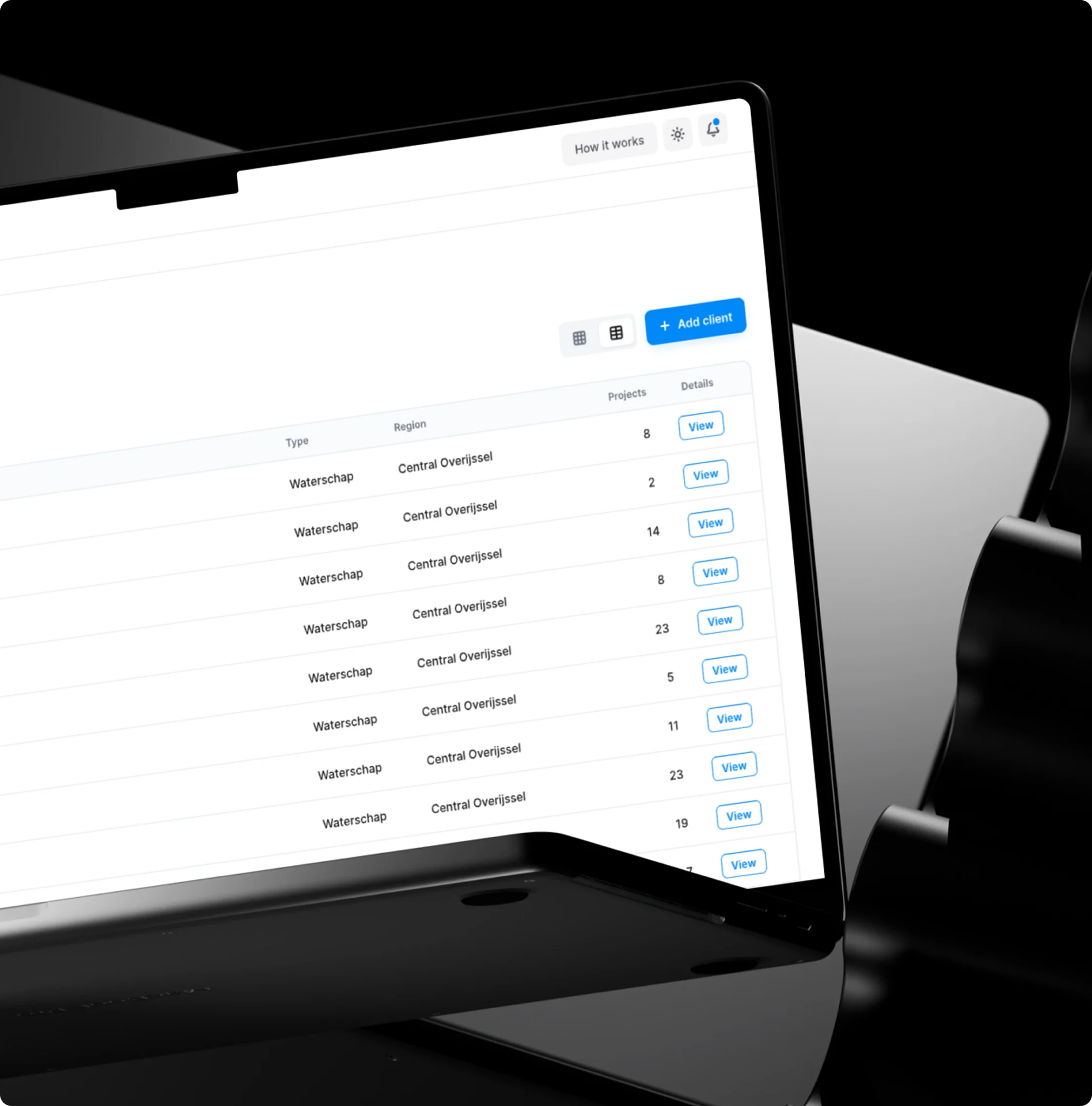
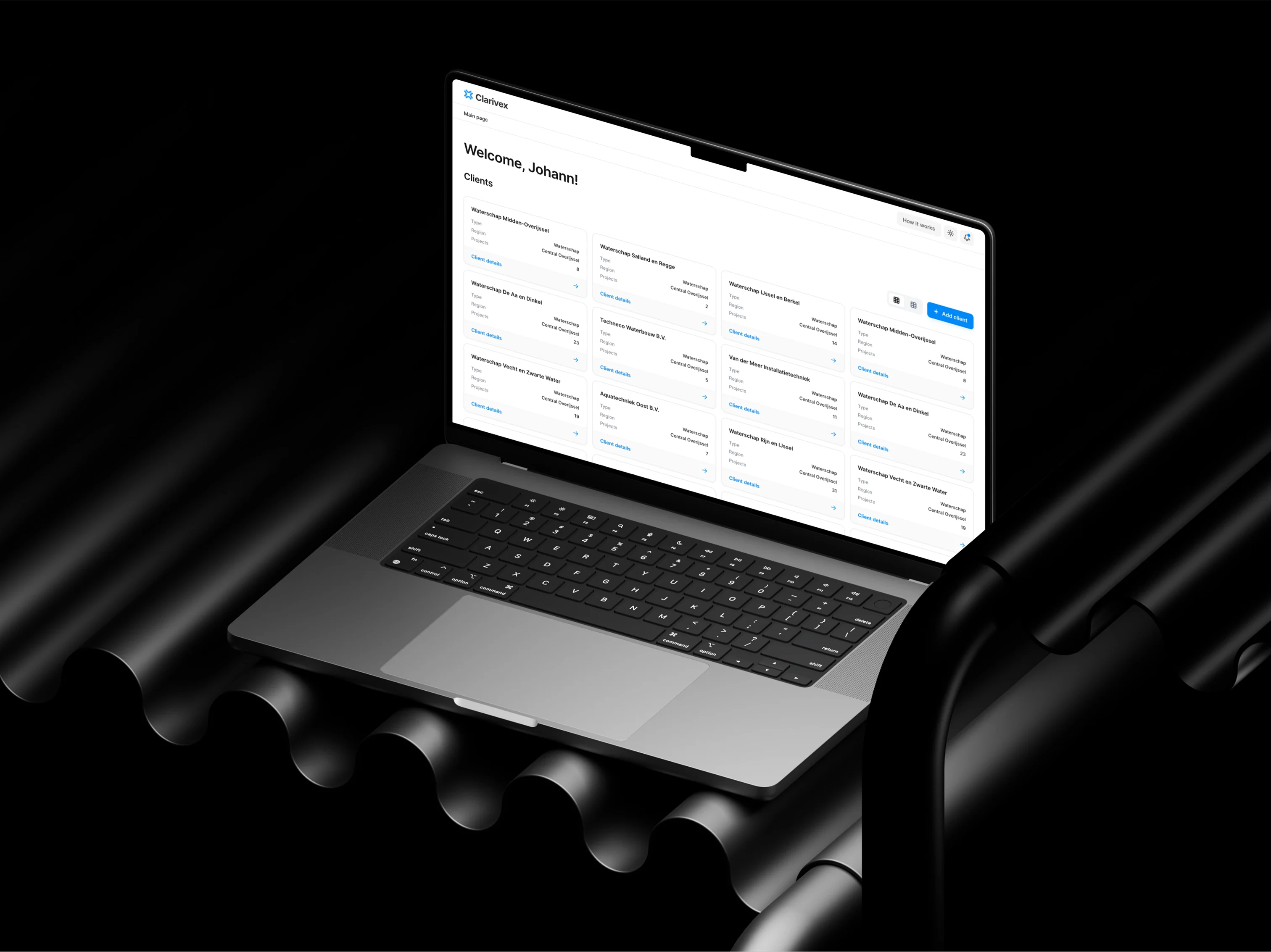
Everything sits under a client and project structure, so someone working with several water authorities at once keeps each set of conventions separate.
The screens shown are anonymized and recreated for illustrative purposes. They reflect the product’s basic logic and exclude any real data at the client’s request.
What started as a question about whether the technology and economics would work became a production platform delivering 97–100% P&ID recognition accuracy automatically.
Evaluation-based QA and prompt tuning
LLM output can't be tested like deterministic code, so we used eval testing (AI evaluation):
- fixed inputs
- known expected outputs
- prompt iteration until the correct result was produced consistently across repeated runs
During development, we also verified model output against manual checks of the same pages.
This is where real recognition problems got solved, for example, zero was being read as the letter O and back again, or the digit one was being read as a lowercase L. This is a human-in-the-loop setup, and it keeps working after release. When a specialist reviews a flagged page and finds the system misread something, that correction becomes the input for the next round of tuning. Improvements are applied through prompt engineering techniques rather than model changes, so a fix can go in as soon as it's identified. The person verifying the documents feeds the improvements back into the system that checks them.
The screens shown are anonymized and recreated for illustrative purposes. They reflect the product’s basic logic and exclude any real data at the client’s request.
GDPR-compliant architecture on Azure
Data handling was a hard requirement, since the documents are client-confidential engineering drawings. We built and hosted the application on Microsoft Azure and used Azure OpenAI Service for recognition. That gave the client:
- Data that is not used to train models
- Processing and deletion handled under GDPR terms
- Secure transmission between client and server
- An isolated system with no external connections other than Microsoft Single Sign-On, which we integrated so the team logs in with existing corporate accounts
The screens shown are anonymized and recreated for illustrative purposes. They reflect the product’s basic logic and exclude any real data at the client’s request.
A tiling approach for better result accuracy
Feeding a whole P&ID page to the model produced slow, low-quality results. So the system cuts each page into tiles and processes them separately. Three practical changes made the system work reliably:
- Three-step tile adjustment. The system makes up to three passes, adjusting tile size after each one, then flags whatever it still can't recognize rather than chasing it indefinitely and letting the cost of one page climb without a limit.
- Context carried between passes. Results from the previous iteration are passed into the next one, so a tag split across a tile border isn't lost or counted twice.
- Parallel processing. Tiles are processed concurrently, which is what brought the runtime down.
Initial estimates for a full project were 5 to 10 hours. The delivered system does it in about 4 minutes per page on average, depending on its complexity.
One system for better flexibility
Each of the client's own customers can use a different tagging standard. Instead of treating every project as unknown, the system supports three modes:
- AQUO, one of the main Dutch standards in this field. Its code letters and their meanings were retrieved once and stored in the system, so they don't need to be recognized again on every run.
- Vitens, handled the same way. The two standards don't structure their tags identically: a tag has a letter part and a number part, and where AQUO puts the letters above the digits, Vitens can reverse that order. The system reads both, rather than assuming a fixed layout.
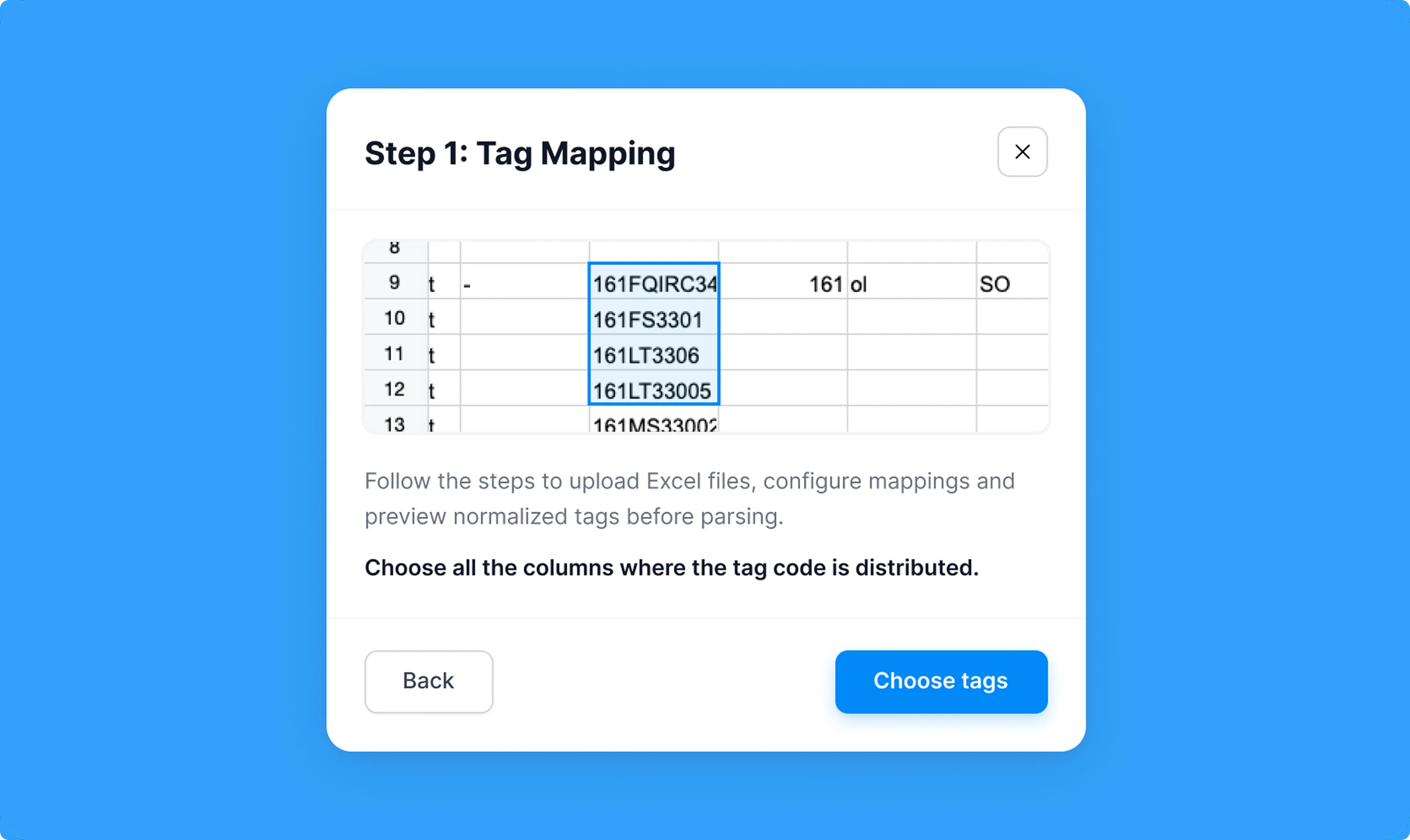
- Custom, for clients using their own tagging conventions. The client uploads their own tag list and code letters, a regular expression is generated from the selected tag columns, and the code letters are recognized from an uploaded screenshot.
Custom came first, as the original scope. AQUO and Vitens were added during the build as the client's own customer base made them necessary.
Templates do two things at once:
- They raise recognition accuracy from around 95% to roughly 97.5-98%, because recognized text is matched against an expected pattern.
- They cut cost, because a system without a template has to re-run tiles it can't reconcile. Retry volume dropped from up to 3x to 1-1.5x.
The screens shown are anonymized and recreated for illustrative purposes. They reflect the product’s basic logic and exclude any real data at the client’s request.
User-friendly file uploading to reduce manual work on the client's side
At first, the client had to create a separate Excel file for every project, with exactly two columns: tag and page number.
We replaced that with an interface stepper. The client now uploads the multi-sheet Excel file they already work in, selects which sheet to use, and points the system at the columns holding tags, page numbers, and prefixes. The frontend assembles the tag values and sends them to the backend for comparison against the drawings.
The client can start each check right away, with no need to copy files, change formats, or handle extra setup.
Convenient reporting for performance monitoring
The system does not just return a pass or fail. Each page produces a report that shows:
- Tags found in the specification but not in the P&ID, and the reverse
- Each mismatch shows the exact tag reference and which direction it runs. A tag in the Excel but missing from the PDF is listed for the reviewer to search for in the drawing. A tag found in the PDF but missing from the Excel is highlighted in blue on the page itself, and that image can be downloaded, so the reviewer sees exactly where it sits without opening AutoCAD.
- Where a tag is cut off at a page edge or overlaps another, the system reports it as not found rather than skipping it, leaving a clear signal for manual review
A reviewer works from the highlighted exceptions only. Everything the system resolved confidently needs no attention.
"Verification that used to take three days and required hiring a full-time employee in-house now takes about two hours, at a price equal to their hourly rate. We can take on more work with the same team, and the knowledge of how the check works now lives in the system instead of in one or two people's heads."
Maarten RaaijmakersVP of Data & AI92% faster verification at less than €30 per project
DigitalSuits delivered a system that does more than speed up a slow task. Because verification no longer scales with headcount, the client can take on more projects with the team it already has, and the rules for how a check is performed now sit in the system rather than in one or two people's heads.
The engagement is ongoing. As the client's needs grow, we continue to extend the solution, adding new tagging standards, but we’ve already achieved some impressive results:
97.5–100%
Recognition accuracy with a predefined standard template, up from a 95% baseline.
92% faster verification
Verification time per project has been reduced to 2 hours, down from 3 days.
~€1 per page
Model usage costs roughly €25–30 for a 30-page project, which is less than 1 hour of a specialist's time.
State grant secured
The build was funded as an IT innovation initiative, using our discovery outputs as the technical and commercial case.
Every mismatch traceable
Each discrepancy is reported with a page and tag reference, and each page carries its own quality score.