











We continue to inform you about the latest Shopify updates for merchants so you can plan your store improvements and keep your store up to date with the latest features and platform changes. In November 2025, the Shopify team released updates in diverse categories, from Balance and Orders to Mobile and Checkout. Let's explore every change in detail.
New on Shopify
Shopify rolled out fresh updates to Orders, Products, and Capital funding to provide merchants with more management options.

Weekly store order summary via email
In your Shopify admin, you can now set up weekly emails sent to your or your staff's inbox with the order summary statistics. These stats include key metrics, such as total sales, orders, sessions, and conversions per week. The email also contains links to your analytics dashboard so you can dive deeper into your data.
To turn this feature on, go to Settings → Notifications → Staff notifications and toggle on 'Store order summary'.

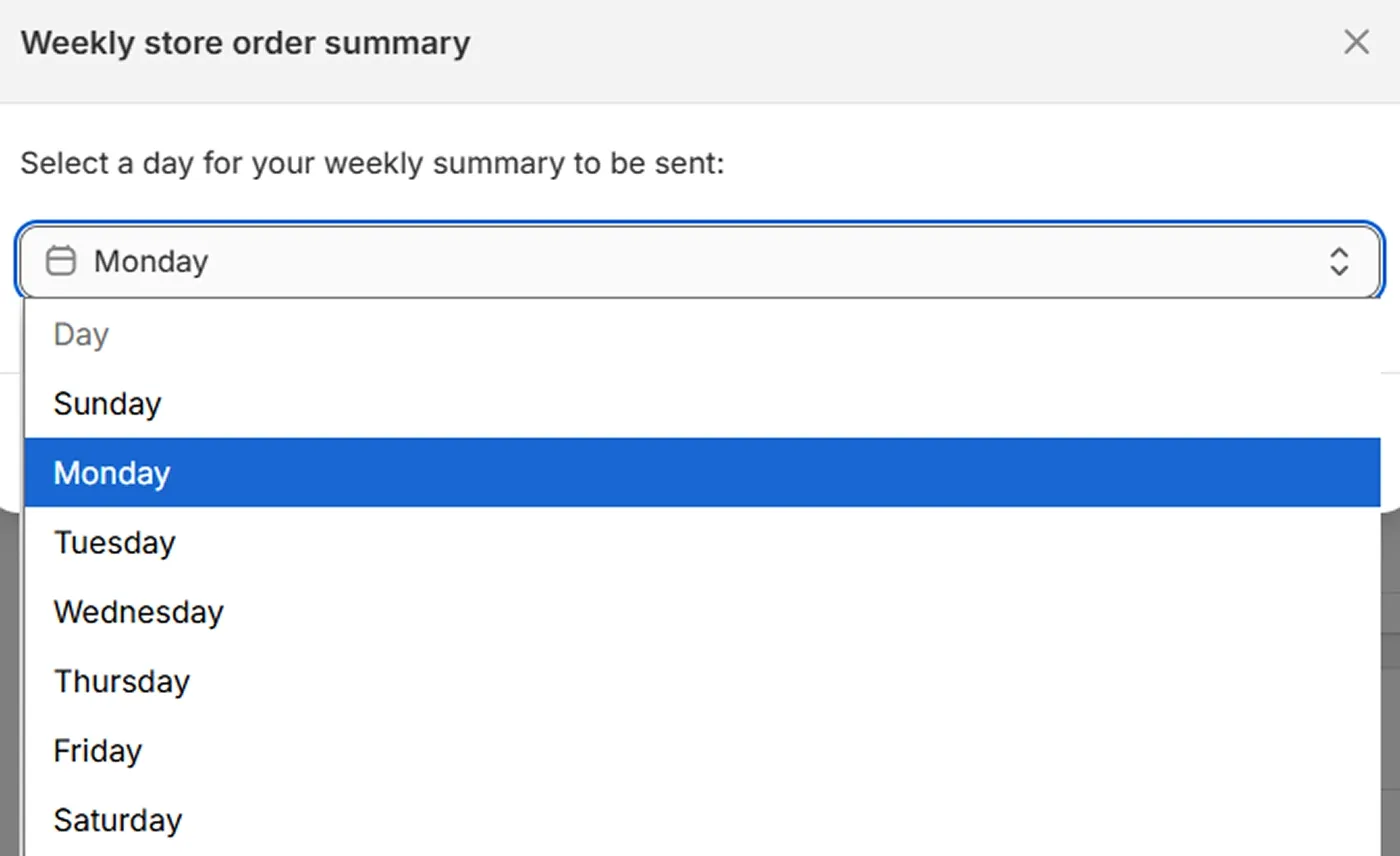
By clicking 'Edit', you can set a day to receive the email. By default, it's sent every Monday at 9 AM in your local timezone.
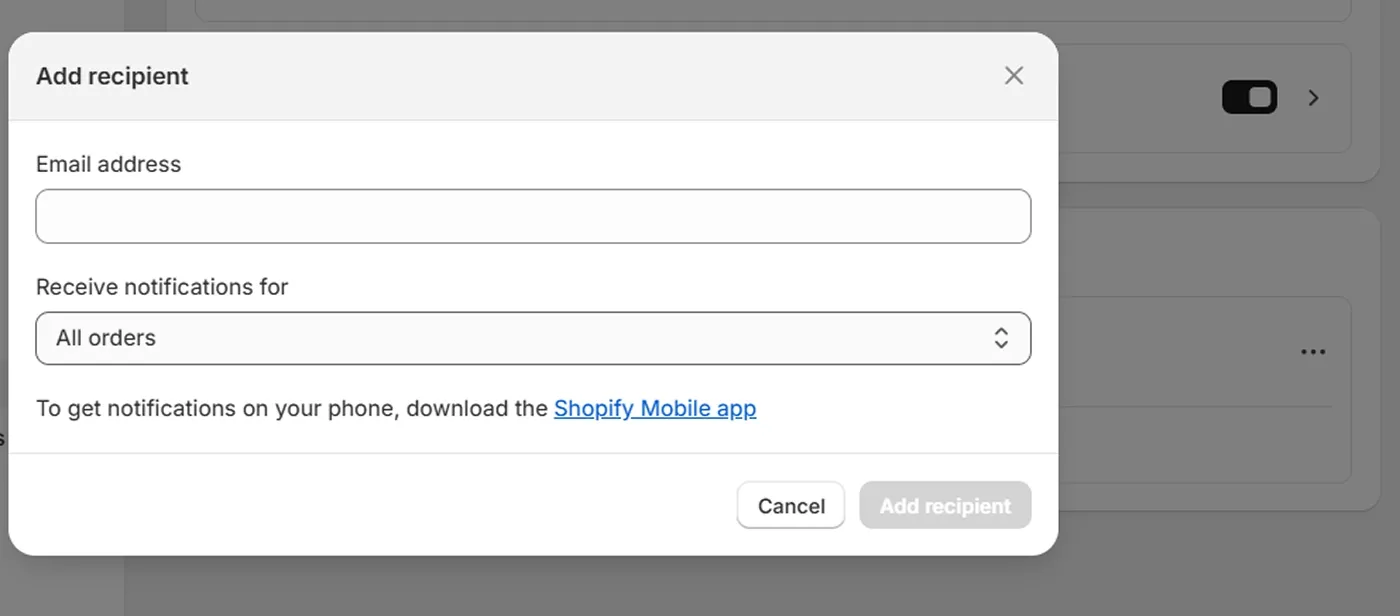
You can also add a recipient for these emails at the bottom of this section.
Exclude products by tag in smart collections
You can now use the new condition in smart collection using the "is not equal" operator. This way, you can exclude certain products from your collection based on specific tags.
For example, to exclude products with the accessories tag, you need to follow three steps:
- Select Tag from the first drop-down list
- Select 'is not equal to' from the second drop-down list.
- In the text field, enter accessories.
Learn more about product tag strategy.
Smart collection duplication
You can now duplicate smart collections to reduce the time spent on creating new ones. Instead, you get an exact copy with the same title, description, image, product list, and conditions applied. Once the collection is duplicated, it is set to unpublished status so you can review and edit it before making it available to users.
Shopify Capital Flex is now live in the US
Shopify Capital now offers a new funding option – Capital Flex – that provides flexible access to funds with monthly fees, unlike the one-time loans in the standard Capital offer. With this new option, you can borrow money to grow your business within limits that change based on your store's performance.
With Capital Flex, you get the following advantages:
Funding exactly when you need it
A dynamic borrowing capacity that grows with your business
Fees are applied to the amount you draw
One-time application with ongoing access to loans
Control of funding in your Shopify Admin with manual management
This new option is in early access for eligible Shopify merchants in the United States who use Shopify Capital.
Shopify features
Shopify added new features for Balance, Billing, Mobile, and Payments to provide merchants with more convenient tools for managing store operations.

Add cash checks on the go with Shopify Balance
If you use Shopify Balance to manage your funds, you can now leverage the Add Checks feature to upload paper cash checks into your Balance account. To add your check, follow these steps:
- Open Balance in your Shopify app
- Tap Add check
- Select the account you want to add the check to and enter the check amount
- In the Front section, upload the front of the check using your camera
- In the Back section, upload the photo of the check's back
- Tap Submit
Checks are typically processed within 2 to 5 business days. The status changes from Pending to Posted once it's processed, and the funds become available thereafter.
See the complete guide on adding checks in the Shopify Help Center.
Same-Day ACH in Shopify Balance
Another new feature in Shopify Balance is Same-Day ACH, which is available to Balance users in the US. It allows you to pay suppliers, contractors, or vendors from your Balance account, significantly reducing transfer times. The funds will be credited to your partners on the same business day.
Delegatable billing permissions
You can now delegate billing organization permissions to let your team members view invoices, manage payment methods, and pay bills without granting them full account ownership. This feature is available for merchants within an organization. To delegate permissions, go to the Shopify Admin → Settings → Users and permissions.
Sidekick Voice in the Shopify App
Shopify voice assistant – Sidekick Voice – is now available in the Shopify mobile app, letting merchants navigate the admin and work on their stores more easily. Which features are available?
Voice context-aware conversations throughout the mobile admin
Voice control functionality, such as mute and hang-up buttons, is accessible during calls
Active conversations that continue as you move between screens

To start a voice conversation with Sidekick, use the voice button in the Sidekick panel, and in the chat window, click Continue to give Sidekick access to your microphone. When you finish the conversation, click End Call.
Enhanced AI image generation on the mobile app
The AI image generator in the Shopify mobile app now lets you turn any product photo into a pack of images with different backgrounds. You can do it using prompts to crop and recenter the image, remove background, or place products in various marketing shots. Additionally, your every new image can have different names and alt texts.
Apple Pay is now available in Shop Pay checkout
If you have Apple Pay enabled as an express checkout option, it will be automatically activated as a payment method in Shop Pay checkout. By offering Apple Pay alongside other payment methods, you give your customers more ways to complete the purchase, reducing Shopify abandonment rates.
Shopify improvements
Shopify improved a few of its services in the Help Center and for the Shopify Plus package.

Faster Shopify Support in the Help Center
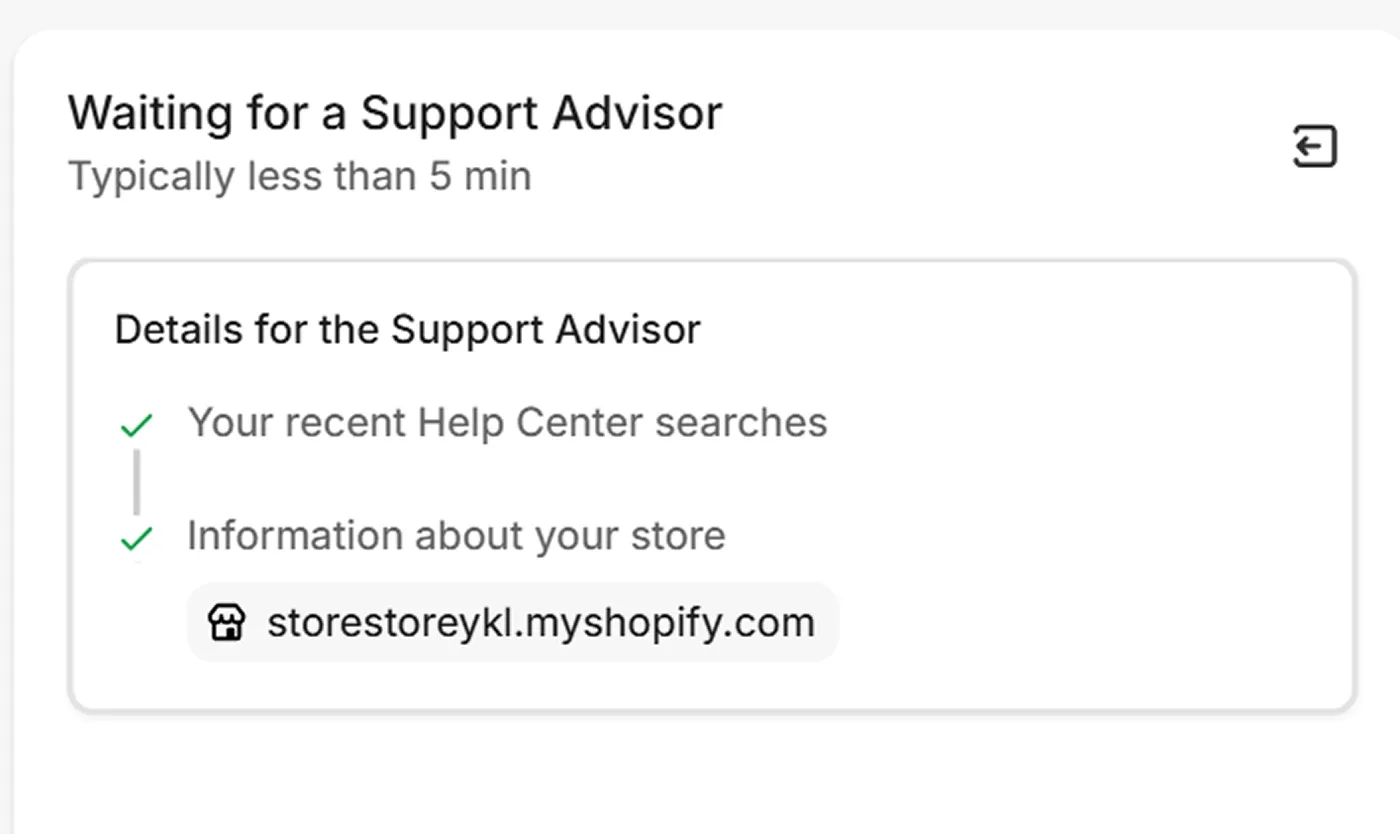
The Shopify team made it much easier to chat with a person on the Help Center page. Now, for this purpose, you can use the 'Chat with a human' button to contact an advisor. Typically, the reach request is handled within 5 minutes.
User groups duplication on Shopify Plus
Merchants on the Shopify Plus plan can now duplicate user groups instead of creating new ones from scratch. To use this feature, open any user group (Shopify admin → Settings → Users → Groups), click the actions menu at the top right, and select 'Duplicate'. All the roles will remain, but you can adjust the group settings as you need.
Shopify changes
You should pay attention to the changes in sales channels – this time, by Meta.

Tax changes for the Facebook & Instagram sales channel
Starting August 26, 2025, Facebook and Instagram will no longer act as marketplace facilitators for orders placed through their sales channels. This means that merchants must now fulfill these orders for tax collection themselves, rather than Meta handling it for them.
See more detailed information about the new rules in the Facebook & Instagram sales channel documentation.
To explore all Shopify November '25 updates in the platform's documentation, visit the official Shopify changelog for merchants.
If you're seeking help implementing changes and new features in your store or need a Shopify support and maintenance team, don't hesitate to contact the DigitalSuits team. We're a certified Shopify Plus Partner with in-depth expertise in handling ecommerce projects of any complexity.

Written by
Anastasiia Moskvichova
Content Marketing Specialist
Anastasiia is an enthusiastic content writer who diligently researches and curates valuable information to craft engaging content tailored for readers with a keen interest in marketing, sales, and technology.














Was this helpful?
0
No comments yet