










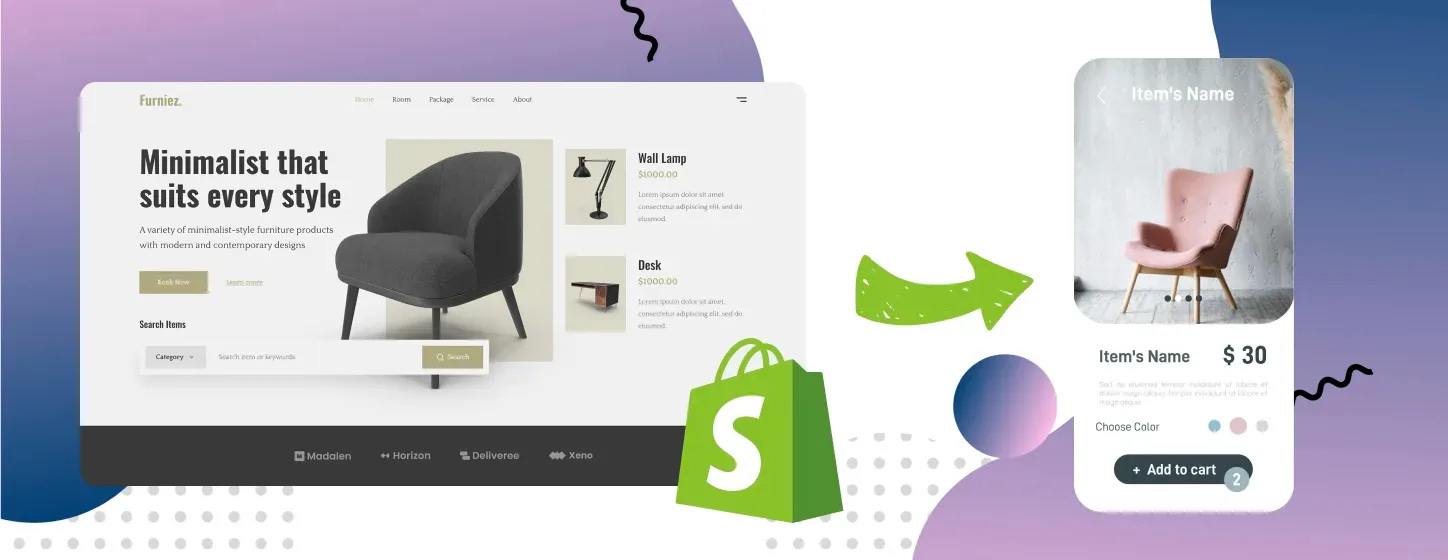
Having a web version of your Shopify store that seamlessly works on smartphones is amazing. You can optimize it for mobile and even build mobile-first experiences, but what if you need the next level of interactivity and wish to be literally closer to your customers?
If you expect your customers not just to shop casually, but to be constantly connected to your brand, a native mobile app is your chance to fulfil that expectation. Here, we discuss multiple methods to turn a Shopify store into an app and help you choose one based on your business needs.
TL;DR: Converting your Shopify store to a mobile app. The basics
- Benefits of a mobile app for your Shopify store include:
Excellent mobile performance
Exceptional user experience
Access to rich device features
Accurate data tracking
Offline capabilities
Enhanced sales and marketing opportunities
- Four methods to convert a Shopify store to a mobile app are:
- Which approach to choose depends on your goals:
Native development is best for enterprises and tech-heavy apps.
Cross-platform development is best for most D2C and B2B brands for custom commerce apps.
No-code builders fit startups and small businesses that test the app channel.
PWA is the best choice for brands seeking fast mobile speed and offline capabilities.
Benefits of having a Shopify mobile app for your store
Interactivity is just one of the numerous native app benefits. Mobile app development provides you with all the opportunities you might have noticed when using your smartphone. Take a moment to navigate through one of your favorite shopping apps. What can you see?
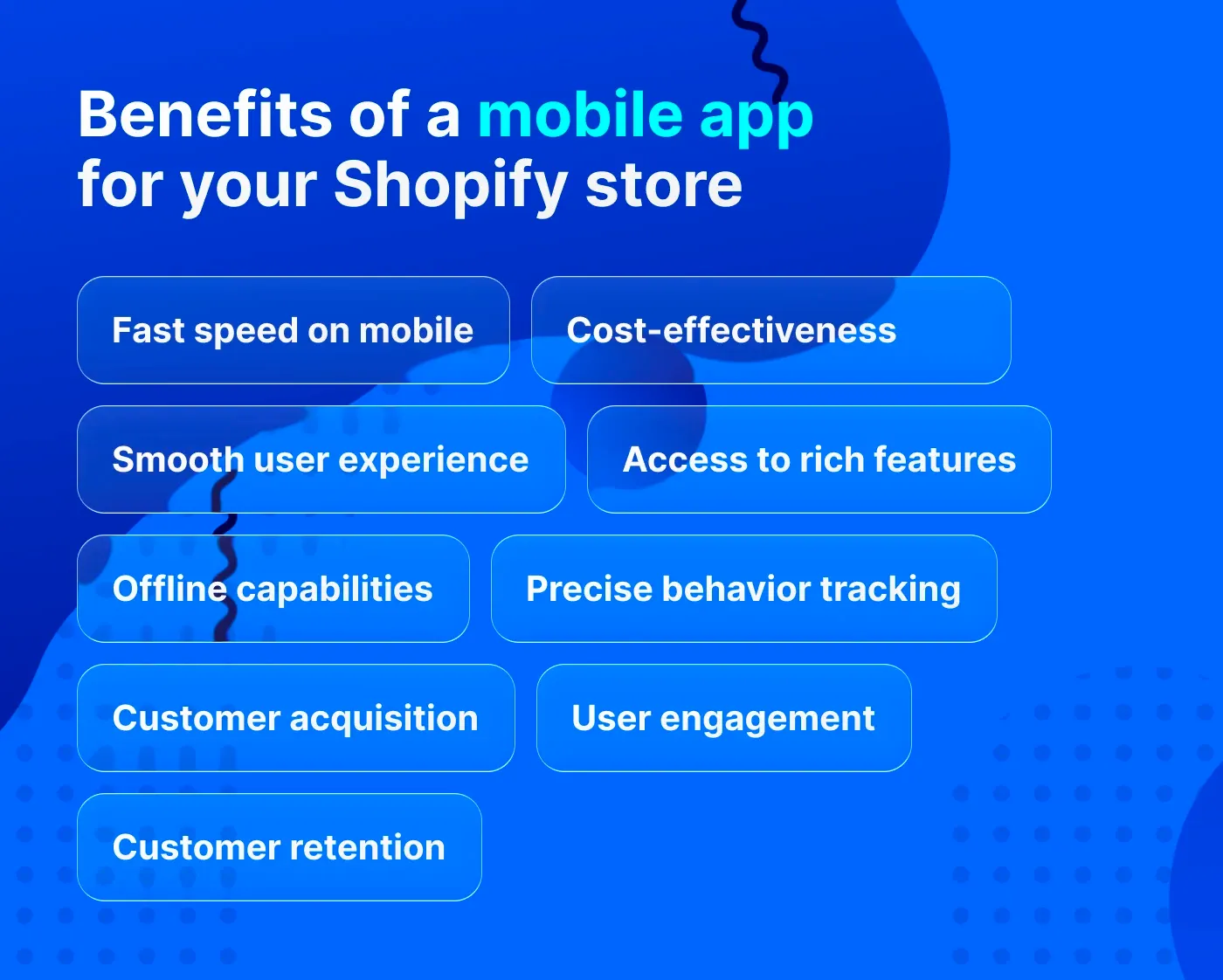
Fast speed
Well-optimized mobile apps work instantly, enabling customers to explore products without having to wait for a page to load. This is a result of caching and storing data locally right on the user's device. It's also due to the fact that a mobile app structure is already installed, unlike a web page layout. So there is no need to download heavy code with every use.
Smooth user experience
Excellent performance is paired with intuitive navigation and thumb-friendly design, if an app is built with the best UI/UX design practices in mind, of course. As a result, users can explore products with one hand and make purchases in one click.
Access to rich features
A mobile app can request access to smartphone features, such as the camera, microphone, and location, to provide rich functionality that would be unthinkable on a website. For example, an app user can scan a physical product's QR code to find it in the app or try on clothes by uploading their photos. That's about interactivity, loyalty, and engagement.
Precise behavior tracking
While websites rely on browser cookies for tracking user behavior, mobile apps use unique device IDs, which is a much more precise method of long-term session tracking. On top of that, app users more willingly sign up and share their information, which allows companies to link data with an exact profile.
Offline capabilities
Mobile apps can function without an internet connection due to local caching. This functionality ensures an uninterrupted user experience, resulting in fewer bounces and cart abandonments. Think of a customer who spends an hour adding multiple products for tomorrow's party. What a disappointment if the connection fails and products vanish from the cart. That doesn't happen with apps.
Customer acquisition
A native mobile app designed for a specific platform – iOS or Android – has its place in app stores. So you can optimize and promote it much like you do with your Shopify website, using app store optimization (ASO) techniques, paid ads, and social media promotion.
User engagement
Apps can send push notifications, in-app messages, and personalized content, all to keep users engaged over time. If such interaction is meaningful for a user, it will raise customer loyalty and involvement, leading to more time spent in your app and more informed purchase decisions.
Customer retention
With mobile apps, it's easy to collect points for whatever action and get rewards within loyalty programs. This keeps customers with a brand and lets companies re-engage users who even lost interest at some point. Brands also can use apps to sell subscriptions, provide premium features, and offer upsells to boost recurring revenue and average order value (AOV).
Can you turn your Shopify store into an app within the Shopify platform?
You can't build a native app for your store within your Shopify admin itself. At the moment, Shopify doesn't provide a built-in converter to turn a Shopify store into a mobile app. However, the platform allows for syncing your own native apps with your store using Shopify APIs. Alternatively, you can find ready-built tools in the Shopify App Store that let you convert a Shopify website to an app without coding.
If you're not into building your own app, you might wish to add your products to marketplaces that offer perfect mobile experiences. Shopify provides its Shop app – a big marketplace that is both a web app and a mobile app – to place your products and sell them with hundreds of other brands.
If you still need a mobile app tailored to your business processes and branding, let's discuss how to convert Shopify into a mobile app.
Methods to turn your Shopify store into an app with and without React Native
To build an app for your store, you can choose between four essential approaches based on your goals, budget, and timelines. What are they?
Cross-platform app for iOS and Android (using React Native)
Native mobile app (based on Swift/Kotlin)
No-code mobile app solution
Progressive Web App (PWA)
Let's review how to turn your Shopify store into an app with every approach, and which of them fits you best.
Cross-platform app with React Native

Cross-platform app development implies creating an app that works for both platforms – iOS and Android – with the same codebase. The best framework for this purpose is React Native. React Native app development is a fast and efficient way to build a tailored mobile app that perfectly connects with the Shopify infrastructure. Even engineers of the Shopify platform choose this framework to build their mobile apps, such as Shop and Collabs, since it's flexible and future-ready.
Let's see why React Native apps are great in more detail.
Pros of React Native apps
You don't need to build the same features twice for iOS and for Android.
You get your app faster and on a budget compared to development for a specific OS.
React Native mobile apps are super fast and stable.
You can list your app in Google Play and the App Store.
You can use many smartphone features to interact with your customers.
React Native allows for quick code changes to implement new features.
The framework seamlessly integrates with Shopify APIs and plugins.
React Native can be paired with native coding for better functionality.
React Native is regularly updated to keep up with developers' needs.
Cons of React Native apps
For deep device integration, you still need native platform-specific code.
Debugging could be tricky if something breaks.
Best for D2C and B2B brands seeking to build a custom ecommerce mobile app with robust functionality and native look and feel. If your goal is to grow your audience and boost customer engagement, a custom app is the best option.
Step-by-step guide to transforming your Shopify store into a mobile app (with React Native)
Let's briefly overview how to turn a Shopify store into a mobile app using the React Native framework.
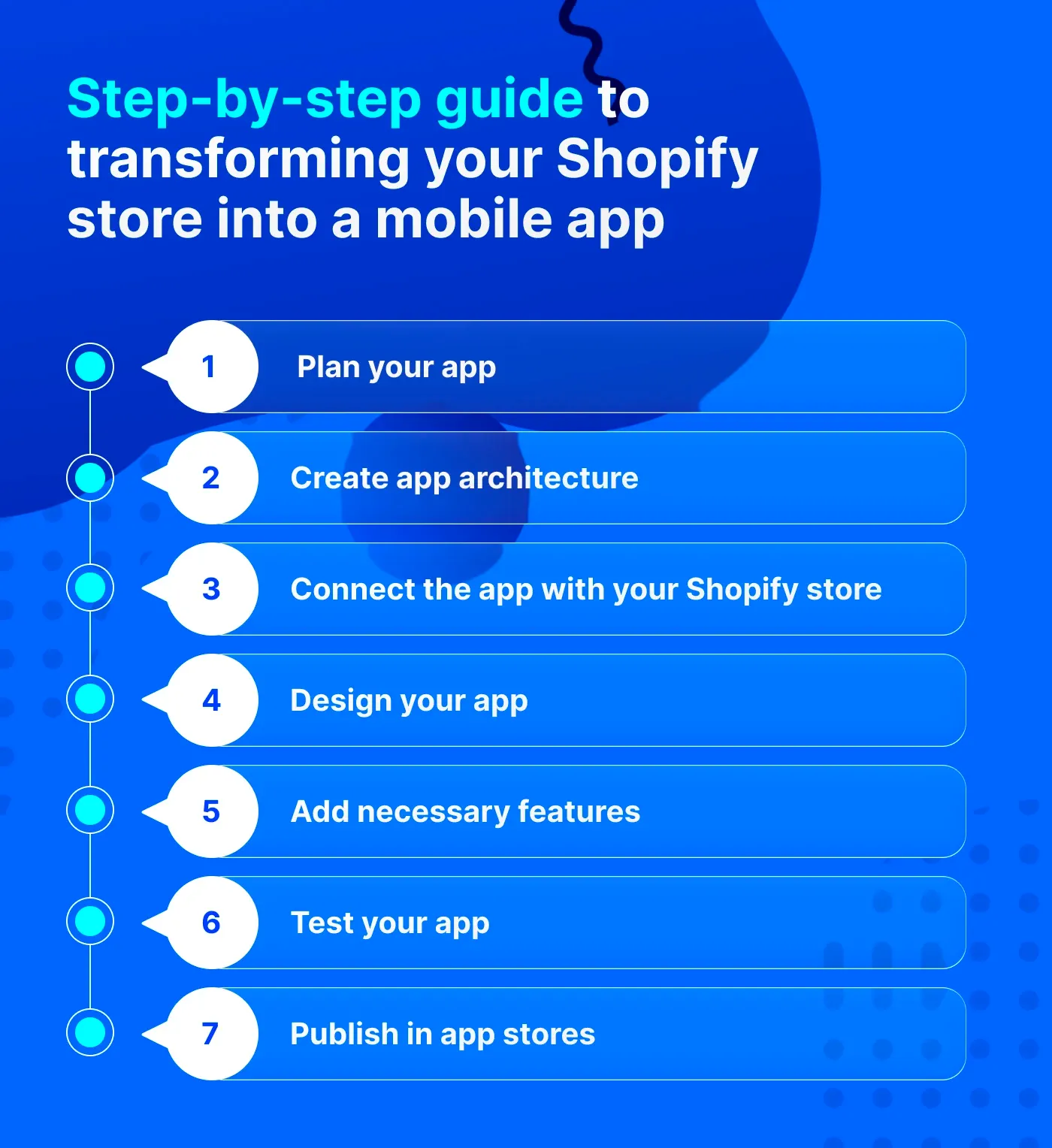
Step 1 – Plan your app
Decide which parts of your store you want to have in your app and which extra features are essential for you. For example, you may want a collection page, product pages, and checkout, and enable push notifications and a loyalty program. You also need to decide on your target platform (iOS, Android) and, if you plan both, whether their features will differ.
Step 2 – Create app architecture
Based on your requirements, developers set up a React Native environment and decide which Shopify APIs to use (Storefront API, Checkout API, etc.). They build the app skeleton that includes screens like Home, Product Details, Cart, and more.
Step 3 – Connect the app with your Shopify store
Developers log in to your Shopify admin (Settings → Apps → Develop apps) to generate API credentials for connecting the app with your store. This way, customers will be able to see real-time product and price updates fetched directly from your store database.
Step 4 – Design your app
Making your app appealing is an important step that includes creating user-friendly product navigation, visuals, and buttons aligned with your branding. UI/UX designers ensure users can easily scroll through app screens, swipe elements, and tap quick buys for seamless checkout. Learn the best practices to create a perfect mobile checkout.
Step 5 – Add necessary features
The most essential features to include in your custom mobile app include:
Personalized product recommendations for fast navigation
Wishlists to let customers add favorites to buy later
Multiple payment options, including express checkout
Encryption and authentication for secure transactions
Push notifications to re-engage users and inform them about updates
Built-in analytics to track customer behavior
Step 6 – Test your app
Before app deployment, ensure that every component works across different iOS and Android devices. The most crucial processes to check are adding products to a cart, logging in, and checking out.
Step 7 – Publish in app stores
Once everything works properly, it's time to publish your app in the corresponding app stores. The React Native specialists set up Apple and Google Play Developer accounts to submit the app following the platforms' guidelines. Review time is typically up to 3-7 days.
Native app with Swift and Kotlin
If you need a fully native experience with advanced capabilities, such as AR functionality, or your mobile app is actually your main product (like a fitness tracker), you might want to use separate codebases for Android and iOS. For native Android development, you need Kotlin, while Swift is the best choice for iOS-only applications.
Pros of native apps
A fully native app has excellent performance even with complex real-time features.
Such apps can better process real-time graphics, 3D effects, and high-frequency background tasks.
Native apps get immediate access to the newest iOS/Android APIs.
Cons of native apps
Native app development for both platforms requires roughly 40% higher budget compared to cross-platform apps.
Time-to-market is also slower if you build for both platforms.
You often need two separate teams to develop for iOS and Android.
Maintenance efforts and costs are higher than with cross-platform development.
Best for premium brands and enterprises that need tech-heavy apps with in-depth device integration, complex processes, and advanced functionality.
How to turn your Shopify store into a native app?
The native app development process is almost the same as for cross-platform development, but you need to manage two separate workflows – one for Android, one for iOS.
No-code mobile app solution
As an alternative to a custom mobile app, you can build a no-code solution using mobile app builders available in the Shopify App Store, such as Tapcart and OneMobile. In this case, technical expertise is not necessary, since builders provide drag-and-drop functionality to create apps using pre-built elements.
Pros of no-code builders
You get an app without a full-scale development process, saving time and money.
You can list a no-code app on the Google Play Store and the App Store.
No-code apps easily sync with the Shopify ecosystem.
You get built-in marketing features, such as push notifications and analytics.
Updates, maintenance, and support are included in the subscription.
Cons of no-code builders
You're limited to the predefined functionality and layouts.
You have to pay a monthly subscription fee, in-app sales fees, and add-on costs for advanced features.
You depend on the vendor's infrastructure and roadmap.
App performance and scalability are not always perfect.
Best for companies with limited budgets that need an app with basic features and a fast time-to-market. These apps help enhance customer retention and boost brand visibility.
How to turn my Shopify store into an app with no-code builders?
Choose an app builder based on reviews and functionality.
Design your app using drag-and-drop editors or similar tools.
Connect your Shopify backend with the app using APIs.
Add essential features supported by the vendor.
Test your app to ensure it works without issues.
Submit your app to Google Play and the App Store (usually with the app builder provider's support).
Progressive Web App
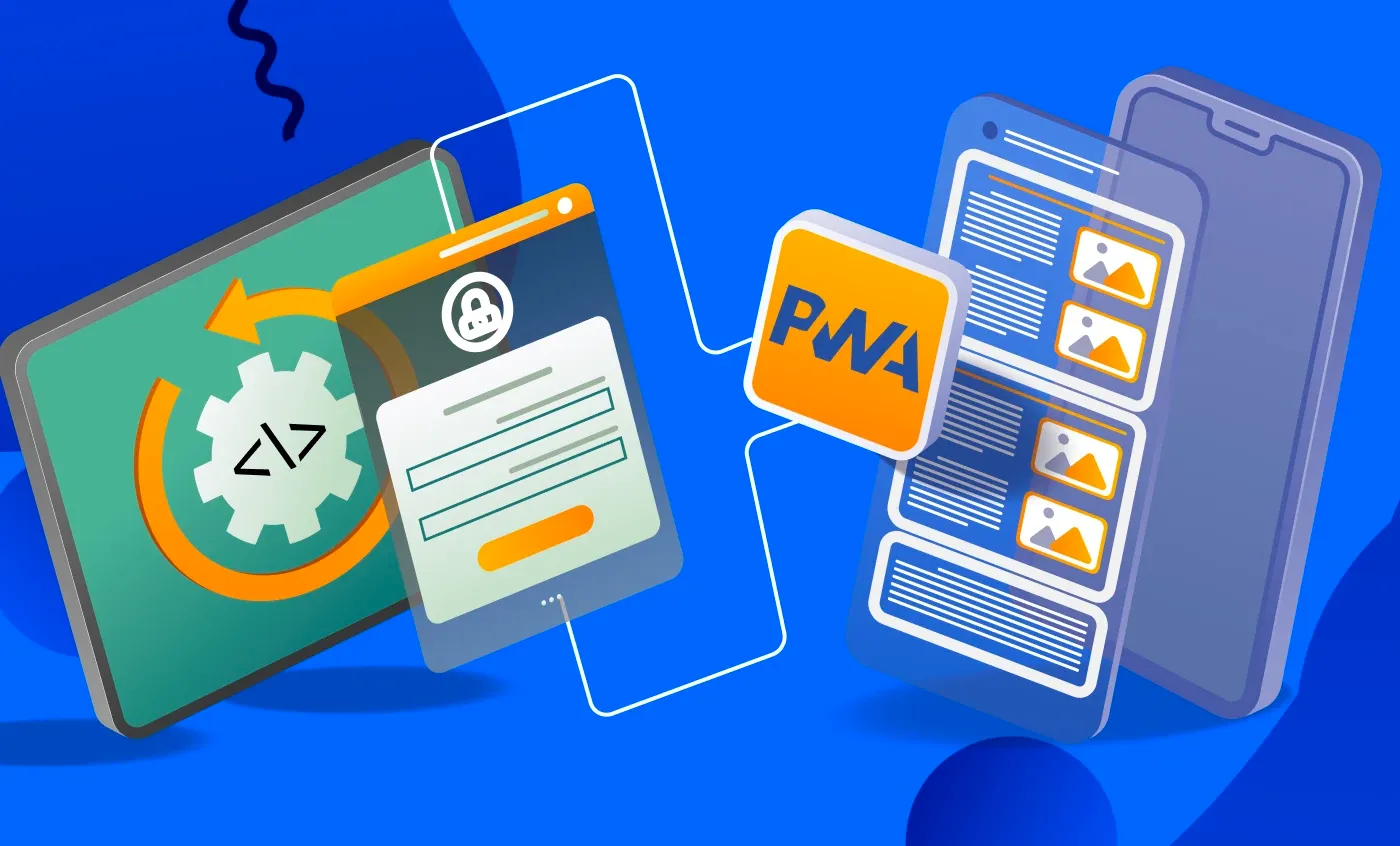
PWA is another alternative to a classic mobile app. It works via browsers but can be installed and used on a smartphone similarly to a native app. PWA development is based on HTML, CSS, and JavaScript technologies, enabling the app to work on any device, including desktop, tablet, and mobile. So, essentially, it's a web app optimized for a mobile experience.
Explore the differences between PWAs and native apps.
Pros of PWA
You can build a PWA with a low or medium budget.
PWAs work on different platforms with the same codebase.
PWA can be installed as an icon on a phone's homescreen from a browser.
PWA delivers a native-like user experience, excellent performance, and offline access.
With PWAs, you can send push notifications and use other smartphone features supported by this technology and specific OS.
You can optimize PWAs for Google search to attract organic traffic.
Cons of PWA
PWAs are not listed on Google Play and the App Store by default; you need to take additional steps to get them listed.
They have limited access to advanced smartphone features, such as NFC and Bluetooth.
Though a PWA feels like a native app, it's not a fully native app in every respect.
Best for companies looking to improve their Shopify store's mobile performance and conversions without long-term development. Explore all the benefits of PWA for mobile-first commerce.
How to convert your Shopify store into a Progressive Web App?
- Plan your app architecture, including hosting infrastructure.
- Create a fully custom UI/UX design optimized for mobile.
- Develop frontend, adding a PWA-specific layer, such as Service Worker.
- Connect your PWA with the Shopify store using APIs.
- Test your app, checking for offline and cross-browser functionality.
- To submit your PWA to app stores, wrap it in native containers using Trusted Web Activity (TWA) / WebView Wrapper.
How to choose the right approach: A quick decision guide
To make the right choice, let's look a bit deeper, comparing various factors within a single table.
| Factor | React Native | Kotlin/Swift | No-code | PWA |
|---|---|---|---|---|
| Development budget | Medium | High | Low | Medium |
| Time-to-market | 3-5 months | 4-7 months | 2-4 weeks | 3-5 months |
| Mobile load speed | Excellent | Excellent | Good | Excellent |
| Vendor dependency | Low | Low | High | Low |
| Scalability | High | Maximum | Limited | High |
| Advanced integrations | High | Maximum | Limited | Medium |
| App stores presence | Yes | Yes | Yes | iOS approval risky |
| Push notification | Yes | Yes | Yes | Limited on iOS |
| Event tracking | Advanced | Advanced | Limited | Medium |
| Maintenance cost | Medium | High | Medium | Medium |
The final word
If you're looking to turn your Shopify store into a mobile app in the most effective way, without costly mistakes, carefully review your current goals and long-term objectives.
If you need to test user feedback in the app channel, you can start with either an app MVP or a no-code builder.
If you're looking for ultra-fast mobile performance, while app store presence isn't your primary goal, a PWA will be a perfect fit.
If an app is your core product, or if you require complex integrations and enterprise-grade functionality, consider native development for a specific mobile platform.
If you need a balanced option that performs great on both OSs, cross-platform app development with React Native is your best choice.
Frequently asked questions
Can I create just an Android app without development for both Android and iOS?
Yes, you can create a single Android app, especially if your target audience mostly consists of Android users. With React Native, you can later reuse the same code for the iOS platform if your plans change.
What features can I add to my Shopify app using React Native that no-code builders can’t provide?
Typically, no-code builders handle basic features like push notifications and reviews, while React Native allows you to implement complex logic and advanced features using access to device APIs.
How much does it cost to build a Shopify mobile app with React Native vs a no-code builder?
React Native app development may cost you from $15,000 to $60,000 and higher, depending on the scope of features and overall requirements.
No-code app builders charge subscription fees ($50-$300/month) and in-app store fees (depending on your sales).
Need to estimate your app development budget? Contact the DigitalSuits team for a brief consultation.

Written by
Anastasiia Moskvichova
Content Marketing Specialist
Anastasiia is an enthusiastic content writer who diligently researches and curates valuable information to craft engaging content tailored for readers with a keen interest in marketing, sales, and technology.






Was this helpful?
0
No comments yet