

What is checkout in ecommerce?
Checkout is the final step in an ecommerce purchase where customers review their order, enter payment and shipping details, and complete the transaction.
Checkout meaning in online shopping
To go beyond a brief checkout definition, one needs to look at the checkout process from a broader perspective and see the whole buyer journey.
Once users land on a store page, they start shopping by exploring products and adding them to the cart. If they decide to purchase these products, they proceed to checkout. Here, they enter their shipping address and payment information and click the final ‘Pay’ button to purchase products. After successful checkout, an order is placed and waits to be processed.
The checkout process itself takes four steps.
- Choosing a registered or guest checkout
- Selecting the payment method
- Adding shipping details
- Completing the payment process
What are the most essential checkout elements?
The checkout page typically consists of five main elements:
- Order summary with selected items and total cost.
- Express checkout options, such as buttons for quick checkout through PayPal.
- The contact information section with one or several fields for email address, name, etc.
- Shipping address fields to specify the address for delivery.
- Payment details section for those who prefer to pay using debit or credit cards.
What are the best practices to optimize checkout in ecommerce?
It’s hard to overestimate checkout's meaning in boosting conversions in an online store since it’s a place where a customer is just one step away from buying products. The best techniques to avoid losing them and improve checkout completion are as follows:
- Allowing guest checkout and making it clearly visible
- Adding express checkout with multiple options
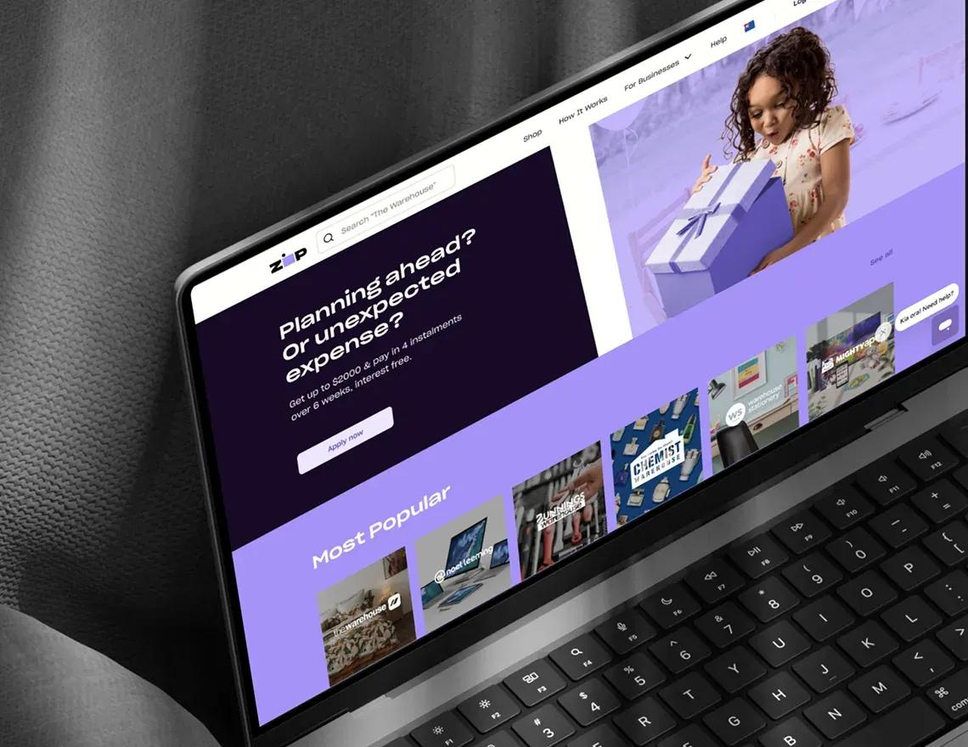
- Offering flexible payment options, such as Buy Now Pay Later
- Providing an order summary with its total cost
- Displaying the progress bar for the checkout process
- Minimizing the number of fields for filling in
- Reducing the typing effort with autofill options
- Following accessibility standards
- Sticking to the clear UI and UX
- Adding security and trust badges
See the complete guide on how to create a perfect mobile checkout for an online store.