








Mobile App Design Services
Mobile app design services that turn moments of hesitation into confident, effortless actions. Clear flows, intuitive navigation, and an experience that feels easy from the very first tap.


Get more from your app with custom mobile app design services
Mobile app design services define how an app looks, feels, and functions before development begins. They combine user experience (UX) and user interface (UI) design to create intuitive, visually clear interactions for iOS and Android applications.
It's the work that decides what users see first, where they tap next, and why the whole experience feels smooth. Design services do not provide visuals only, they focus on structure and clarity, like UX, which covers journeys, navigation, and usability. At the same time, UI shapes layouts, typography, and colours, so the interface feels consistent and easy to read on a small screen.
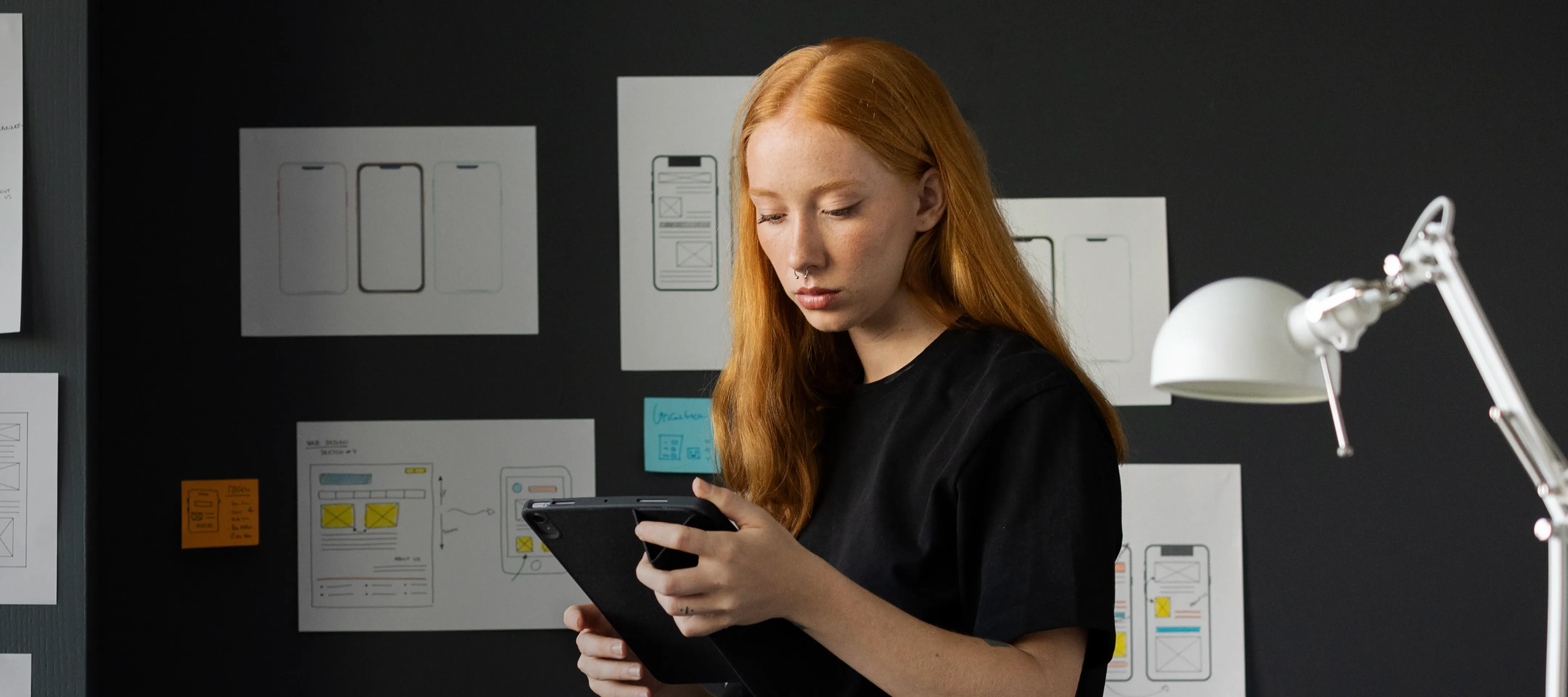
The outcome is practical design assets: wireframes, clickable prototypes, and high-fidelity screens. That's what design shapes – the structure and flow of the app, before mobile app development turns it into code.
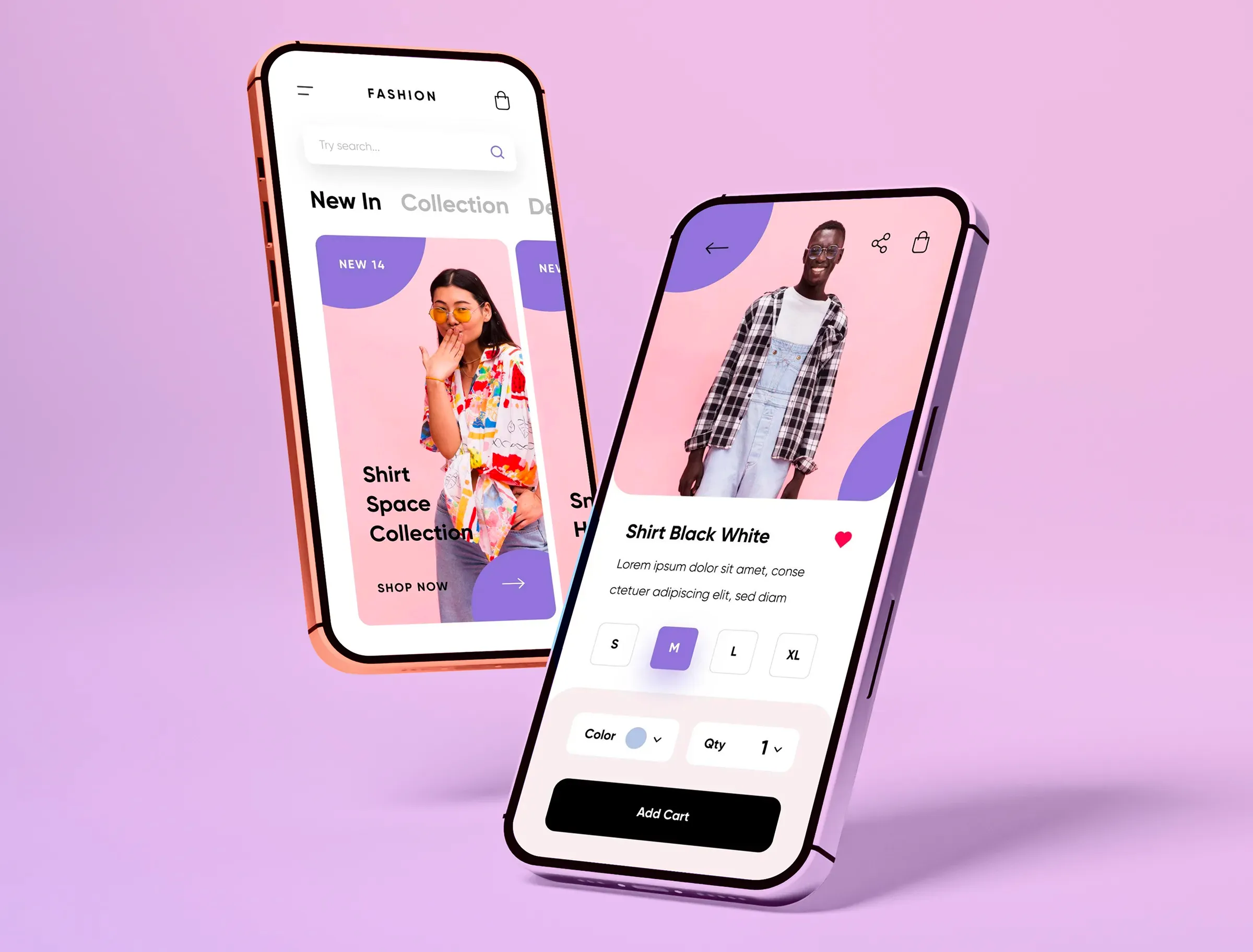
To make that happen, design work usually covers:
User flow. Maps how someone moves through the app without getting stuck.
Screen structure. Decides what belongs on each page and what doesn't.
Visual direction. Defines colors, typography, and UI elements so everything feels consistent.
Interaction details. Shapes how the app responds to taps, swipes, and errors.
Content logic. Organizes information so users don't have to search for basics.
Platform alignment. Ensures the app feels exactly right on iOS or Android.
Partner with DigitalSuits to design an app experience that feels natural.
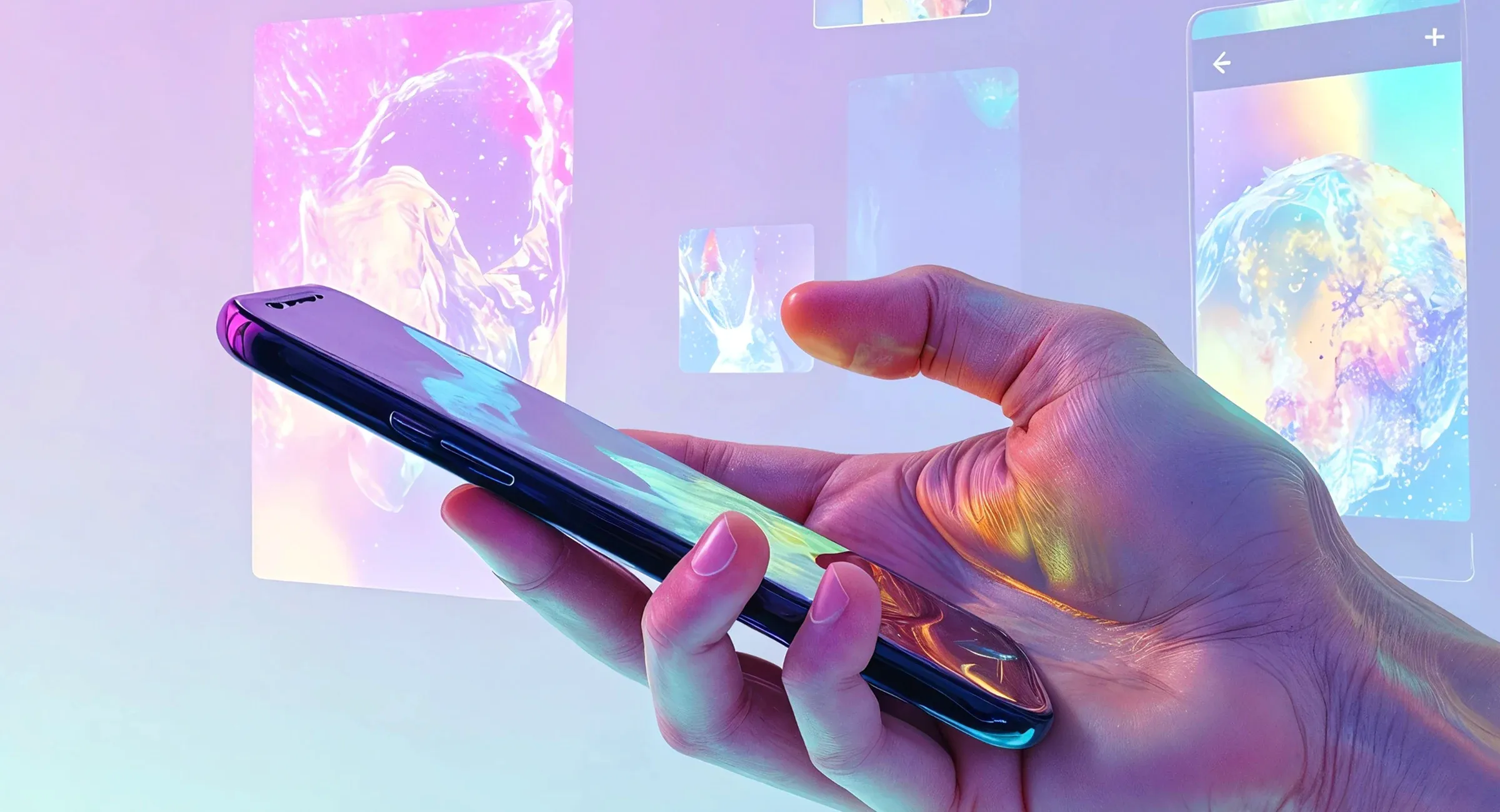
What's included in our mobile application design services
User research and analysis
Before any screens are designed, we focus on your goals and your users. That includes understanding what the app needs to achieve and what the audience expects.
Mobile app design consulting
We'll help clarify direction before you spend time and budget on the wrong decisions. It involves reviewing your concept and existing product to identify usability gaps and opportunities for improvement.
Information architecture
We sort the app's content and features into a structure that holds up as it grows. The main actions stay easy to reach, and users don't have to guess where different parts are.
Wireframing & user flows
We define screen layouts and map user journeys before moving into visual design. Through our wireframing and prototyping services, the product structure is tested early, so key actions are easy to complete.
UX/UI design
We handle UX and UI design, from structure to final visuals, for iOS and Android apps. The focus is on clear next steps, short and direct paths, and screens for mobile users.
Prototyping & interaction design
We create an interactive version of the app that shows how it moves from screen to screen. Clients get something real to review and test the flow early, before development starts.
Mobile app design system
We build a design system with reusable components and clear rules, so the app adapts to every screen. It also helps the UI scale across different devices, from smaller phones to larger tablets.
Usability testing
We run usability sessions to observe how people interact with the product in practice. This helps uncover weak points and validate whether the key flows work as planned.
Mobile app design across platforms

iOS app design
We design iOS apps that follow Apple’s Human Interface Guidelines. Navigation feels natural to iPhone and iPad users. Swipes and taps feel familiar, and the screens stay simple and easy to scan.

Android app design
For Android, we align with Material Design principles and device diversity. The interface works across Android phones and tablets, and users can find their way around right away.
Cross-platform app design
We design cross-platform apps for iOS and Android without forcing one platform's habits onto the other. Shared UI stays consistent, then navigation and system behaviour get adjusted to feel natural on each device.
Mobile app design services for real-world challenges
Have an idea, but it still feels like a concept?
To turn a rough vision into a real app, you need structure. The mobile app UI/UX design services help define the core screens, map the user path, and validate the logic early with prototypes and feedback. The development will start with a clear direction.
Does the app look fine, but nothing makes it memorable?
If the product doesn't stand out, users switch without a second thought. Design can give the app its own voice. It gives a sharper visual direction, clearer hierarchy, and consistent patterns to make it recognizable during the first interaction.
Do users leave after a few taps?
If users leave early, something trips them up. Maybe the next step isn't obvious for them, or the screen just feels confusing. Usually, a few small changes can save the situation, put actions in the right place, and remove the extra taps.
Does the UI get messy as features pile up?
As the app adds features, the UI can start to look like different people built it at different times. Buttons change, screens follow many rules, and the experience feels uneven. A design system fixes that with one set of components and guidelines for everyone to follow.
The results you get from mobile app design
Stronger retention and word-of-mouth
When an app feels easy to use, users start using it right away. That comfort creates a habit. When a product consistently saves time, people are more likely to recommend it to their friends or colleagues.
A brand people recognize
Consistent UI choices (type, colour, spacing, tone) create familiarity. Over time, the app becomes identifiable without loud branding. That recognition supports trust across touchpoints like your website, ads, and in-app experiences.
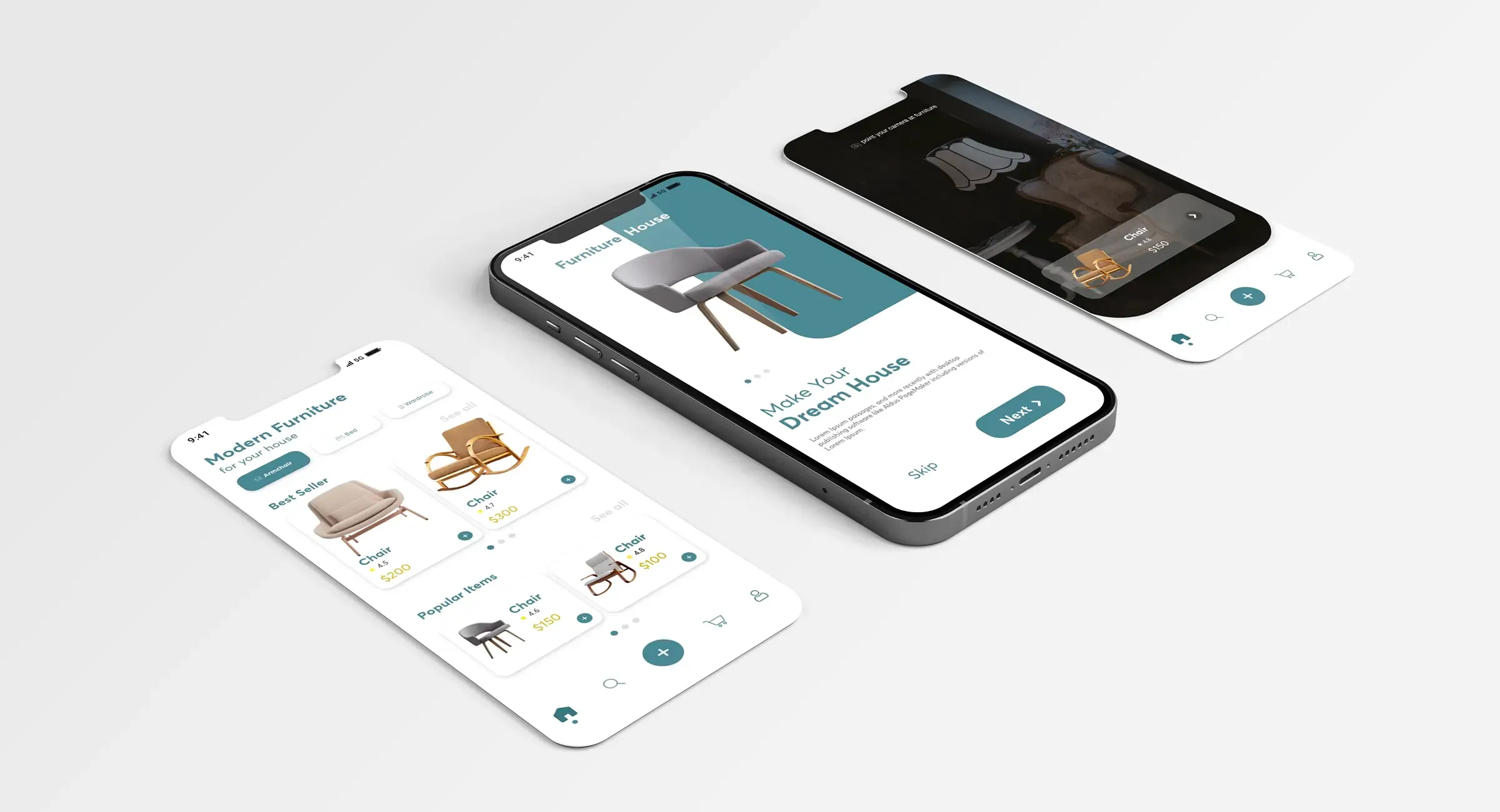
Better conversion and revenue impact
If the app feels smooth, users keep using it. They reach signup, checkout, or an upgrade without issues. When fewer people quit halfway through, the same traffic brings more completed actions and better ROI.
Faster product improvement
A well-structured UX gives the team a stable base. New features fit into a system instead of breaking patterns. This reduces rework and keeps releases focused on progress, not fixing avoidable UX issues.
Additional expertise you get with the DigitalSuits mobile app design company
Performance optimization
Performance is not solely a dev problem. Improper design choices can slow things down, too. We analyse behaviour and drop-offs, then reduce visual weight and remove unnecessary steps to make the app respond faster.
Strategic app redesign
When an app no longer delivers what was expected, we review the mobile application redesign from a broader viewpoint. Based on that, we reconfigure key aspects of the interface, making the app clearer, relevant, and consistent with present user demands.
App localization
We adapt the app for each market, not just translate the words, when working on mobile app UX design. Text, visuals, formats, and small UX details get adjusted to match local consumers. The interaction feels familiar and credible to users in every region.
Conversion-focused UX changes
We improve the parts of the app that directly influence signups, purchases, and upgrades. The work targets the user path, CTA clarity, and form length. A couple of small fixes can help users finish the signup, purchase, or subscription.
The tools we rely on for app design services

Figma

Photoshop

Miro

Invision

Sketch

Moqups

FigJam
Who we support with custom mobile app design
Every team comes to app design services with a different task. Some need an MVP quickly, others want to fix the screens people keep dropping off on, and some are designing multi-role apps where the details really matter. Here's how mobile app design solutions support each case

Startups
Early on, most questions come down to "what goes into v1" and "what can wait." We help narrow the scope, shape the key screens, and make the main flow feel complete. The result gives you something you can ship, test, and iterate on fast.

SMBs
SMBs usually already know what the app should achieve. The devil is in the details (too many steps, unclear screens, features that people miss, etc.). We help clean up those weak spots, simplify the path to the main action, and make the experience steadier.

Enterprise
Enterprise app development has internal systems, approval chains, and users who rely on those apps every day. We step into that environment, sort out what feels messy or overloaded, and bring structure to it. The goal is to make the app easier to work with at scale and steady enough to handle updates.
Best practices in mobile app design solutions for iOS and Android Apps
DigitalSuits' web designers create mobile interfaces for the way people use apps today. iOS and Android follow different rules, so we treat them differently and base design decisions on Apple and Google platform guidelines.
iOS app design best practices
Use iOS patterns people already know. Navigation, controls, and layouts easy to get use to from the first tap.
Keep screens clean and task-focused. Only the elements that help the user move forward stay on the screen.
Make gestures feel natural. Swipes, sliders, and drag-n-drops respond right away and behave predictably.
Stay consistent with the system. Typography, icons, spacing, and component behaviour match iOS expectations.
Give clear feedback. Taps, errors, loading, and success states always show an obvious response.
Use real-world cues when helpful. Simple metaphors make interactions easier to understand without extra explanation.
Android app design best practices
Stick to Material Design habits. The structure stays clear, and the interface is accustomed to Android users.
Show hierarchy with depth. Elevation and shadows help users understand what is on top and what is interactive.
Use colour to guide action. Accent colour highlights primary actions, while the rest supports readability.
Leave space. Spacing reduces clutter and makes content easier to scan.
Use motion for meaning. Animations confirm actions and explain transitions, not distract.
Support different navigation styles. The app should work smoothly with both gesture navigation and button navigation.

What you may need beyond mobile app design services

Ecommerce mobile app
Get an app where users find products fast, understand what they're getting, and complete payment without issues.
Native mobile apps
Build an iOS or Android app that feels right for the platform and takes full advantage of device features, such as camera, biometrics, or GPS.
Cross-platform apps
Design unified experiences by reusing shared design systems and components, so users don't feel like they're using two different apps.
iOS App Development
Create apps tailored to Apple's ecosystem, which follow platform standards and ensure smooth performance across devices.

Deliver apps with stable performance across this ecosystem, consistent behaviour, and alignment with Android design standards.

Build cross-platform solutions with the flexible framework that helps you save time and budget.
Why choose DigitalSuits for mobile app design services
Functioning is a top priority We focus on clarity, structure, and practical usability before visual styling. The result looks good because it works well.
Design for real hands and real habits Our goal is comfort and instinctive interaction, not complexity. People use apps on the move, with one hand, in short bursts.
Key actions stay easy to complete An app should keep users moving. We remove the pauses, unclear screens, and unnecessary detours that break that momentum.
UX and business goals aligned We make sure business goals don't interfere with a good experience. The app can drive revenue and still be transparent to the user.
Mobile app design company process at DigitalSuits
Quick audit and alignment
We review your current app or concept, identify priority UX issues, and confirm constraints.
Current screens or idea review
UX pain points and priorities
Constraints (platform, timeline, tech)

Discovery and research
We clarify user goals, validate the market context, and define success.
User needs and use cases
Feature list and scope logic
Success metrics to track

Flows and wireframes
We map the main journeys and build wireframes that lock the structure before visuals.
User flows
Wireframes for key screens
Information structure

UI and design system
We design high-fidelity screens and establish UI rules to keep the product consistent.
High-fidelity screens
Component library and rules
States, errors, empty screens

Handoff and support
We package everything for development and stay available during implementation.
Dev-ready layouts and specs
Exported assets
Support during implementation

Frequently asked questions
How long does a mobile app design project usually take?
It depends on the scope. A focused MVP design for a startup can take 4-8 weeks. A larger product with complex flows may take 10-16+ weeks. If you're aiming to launch, we can take you further than UX/UI.
DigitalSuits also provides MVP development services, so the same team can help you go from a prototype to a working app without losing time. If your app requires custom mobile app development, integrations, or other features, we can provide our development team. To find out the details for your particular project, it is better to contact the team directly.
Can you redesign an existing app without rebuilding everything?
Yes. Our UI/UX design services focus on real usage. We review behaviour patterns and problem points, then work to remove the obstacles. Often, you don't need a full redesign. A few smart changes to layout, flow, or key screens can lift retention and conversions. If bigger technical changes are required, we can combine redesign with mobile app modernization and development support.
Do you provide mobile app development as well, or only design?
We offer both. DigitalSuits provides:
iOS app development services
Android app development services
Cross-platform app development services
We can also provide our own full-stack developers and web designers who collaborate with your dev team.
How do you make sure the app improves conversions?
We focus on:
Clear next steps
Reduced form length
Visible CTAs
Fewer unnecessary taps
Logical checkout or signup flows
Our UX changes and ideas are based on behaviour analysis. If needed, we combine this with performance optimization and analytics review to understand where users hesitate.


Michael Lewis
CEO, Claim Technology
5.0
"They've been very thoughful about approaching the build, making sure we don't have to rework elements somewhere down the line."
The DigitalSuits team fully devoted themselves to producing a quality final product, making sure they’re thorough in their development and taking preventative action when needed. They delivered superior services, assigning only highly-experienced professionals to the project.