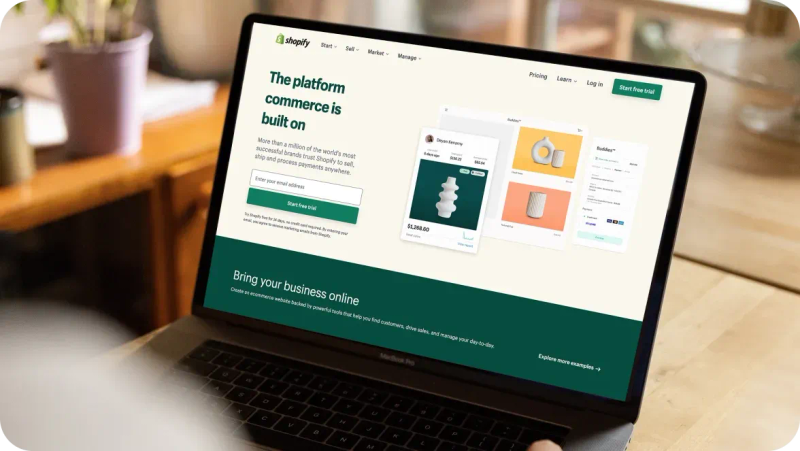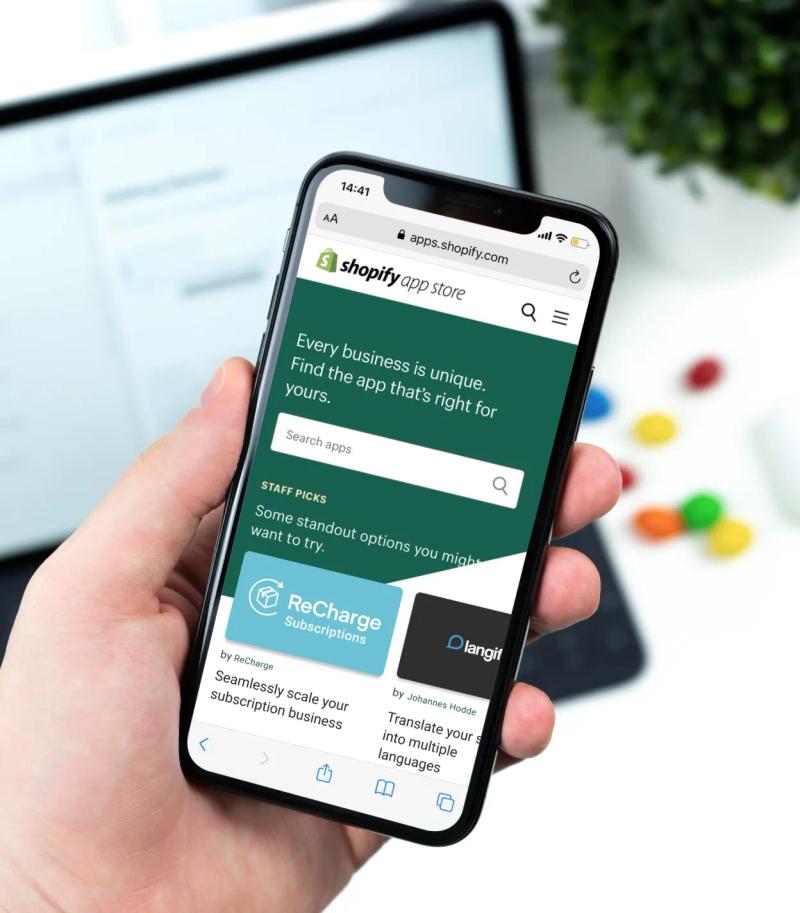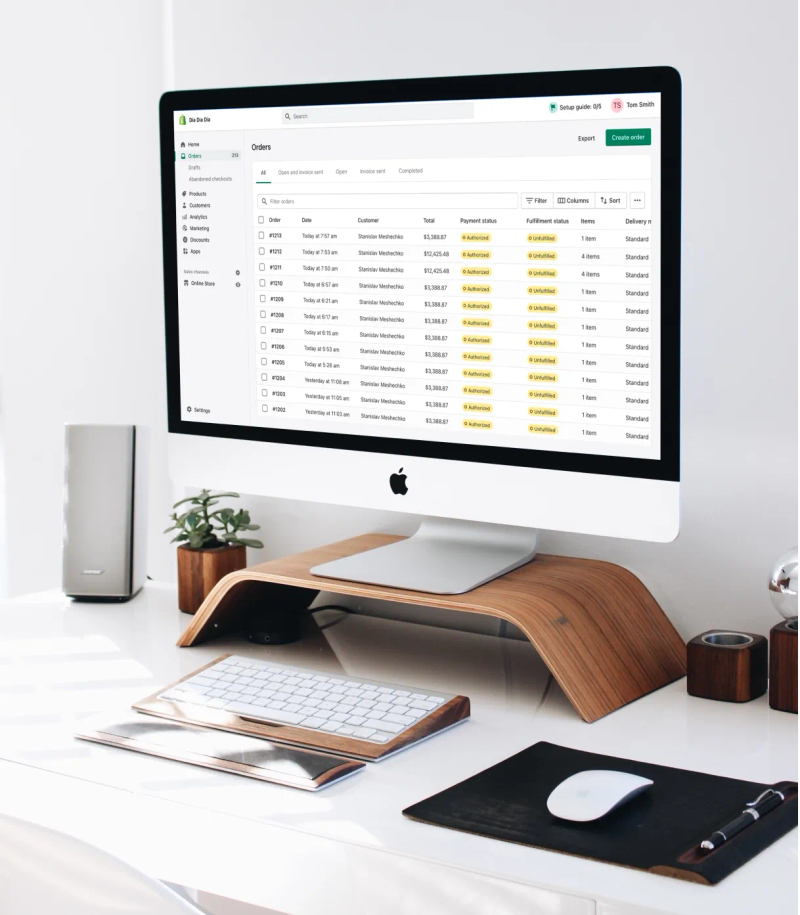



It's no secret to everyone involved in the ecommerce sphere that Shopify is always on the move, pushing the boundaries of its technology. For anyone even remotely connected to this vibrant ecosystem, staying in the loop is key. In light of these dynamic transformations, staying up-to-date is paramount. Let's dive into a summary of the latest developments that will pique the interest of both merchants and developers engaged with Shopify.
Activate "Imported Products" Setting in the Collective App
APRIL 02, 2024
Activate the "Imported products" feature to "active" right within the App for Collective. This empowers Collective Retailers to easily activate their imported products. They can select and activate up to 30 products at a time, eliminating the hassle of managing product status on their Core Products page. By handling product status directly in Collective, we streamline the publishing process, making go-live much quicker and smoother for Retailers.
Updates on undeliverable shipments and return-to-sender charges
APRIL 02, 2024
Shopify's latest move involves fine-tuning undeliverable state settings in Markets Pro labels, directly impacting merchants' payout details. Curious about when a package gets stamped undeliverable? Reasons range from tricky addresses to customs snags or even unexpected content.
What's the game plan if your package falls into this category? Brace for an email from Shopify Support outlining why it went astray and the ensuing actions. Sometimes, DHL Express might jump in to chat directly with the buyer or merchant. The outcomes? Think redirecting, returning, or even abandoning the package, each potentially bringing along its own fee, duly noted in your payout and order timeline events.
Learn more about undeliverable adjustments over at the Shopify Help Center!
What's new in duties and import taxes preferential treaties
APRIL 05, 2024
Shopify introduced a new feature that gives you control over preferential treaties in your Duties and Import Taxes calculations during checkout. Preferential treaties, also known as free trade agreements (FTA), can significantly reduce or eliminate duties on specific products between countries. However, if you don't qualify for a preferential treaty, you now have the option to disable it in your duties and taxes settings, and the calculator will automatically switch to the most-favored-nation (MFN) duty rate for the involved countries.
Dive deeper into preferential treaties and the Duties and Import Taxes calculator in the Shopify Help Center to optimize your international trade strategies.
Revamped long press interaction in the Shopify App
APRIL 10, 2024
Check out the revamped long press features on the Shopify app! Shopify made the experience smoother on both iOS and Android. Now, users got a consistent interaction across various screens like Abandoned Checkouts, Collections, Customers, and more.
Now, thanks to added filtering and sorting capabilities, merchants can easily manage multiple items at once with bulk actions. Enjoy a more efficient and user-friendly Shopify App experience!
Adding customer notes and tags via Shopify app (iOS Update)
APRIL 10, 2024
Now, users can experience the supercharged Add Customer feature in the Shopify App, delivering a seamless experience across both iOS and Android platforms. Now, you can effortlessly add customer notes and tags directly on iOS, with the ability to search and sort tags for maximum organization. This upgrade enables merchants to share notes, tag customers easily, and ensure staff access across platforms. Elevate your customer management game with these exciting new capabilities!

Reach out to a trusted Shopify Partner
Simpler collection editing via the Shopify app
APRIL 10, 2024
Exciting Update: Managing collections in the Shopify App just got easier! Shopify revamped the collection details flow to ensure a seamless experience across product and collection screens. Now, you can effortlessly view, create, and edit collections from a single screen with intuitive sections and saving behavior, just like managing products. Ditch the extra taps and welcome a smoother collection management experience!
Automatically redirect to a URL after submitting a form in Shopify forms
APRIL 11, 2024
Now, you can take control of what happens after customers submit a form. Direct them to a specific page on your store, whether it's a product showcase, a special offer for subscribers, or a tailored follow-up for B2B contacts. This personalized redirection adds a new level of engagement and ensures a seamless customer journey. Say goodbye to generic success messages and hello to a more interactive and rewarding experience for your customers!
Check out the latest buzz: Turbocharged customer segment details in the Shopify app!
APRIL 17, 2024
Shopify has given the Customer Segment Details screens a major overhaul for seamless use across iOS and Android. Now, merchants have the power to tweak segment queries, clone and export segment details, and leverage segments for email campaigns and discount offers right within the Shopify app. It's time to supercharge your marketing strategies!
Introducing the enhanced maximum value for gift cards!
APRIL 18, 2024
Get ready for a boost in gift card value! Starting May 15, 2024, gift cards can now carry up to $2,000 USD or its equivalent in other currencies. This update not only keeps you compliant with gift card regulations but also ensures you steer clear of any accidental violations.
Important to note: This change impacts newly issued gift cards from May 15, 2024, onwards, so existing cards remain unchanged. For all the juicy details, dive into our Help Center!
Discover the revamped smart Grid Layout for an elevated POS experience!
APRIL 19, 2024
Get ready for a whole new level of convenience with our updated Smart Grid tile layout! Shopify fine-tuned it to include essential options like Add Custom Sale, Apply Discount, Ship All Items, Email to Customer, and Save as Draft Order, all at your fingertips. It's like having a tailored toolkit right in your POS app, designed to streamline your operations and boost efficiency.
Introducing Ship from Store 2.0: Your fulfillment revolution!
APRIL 24, 2024
Shopify is thrilled to unveil the game-changing Ship from Store feature, debuting in style at Winter Editions 24. This next-level fulfillment workflow empowers your retail heroes to handle online orders directly from the POS system, cutting out unnecessary steps and streamlining your operations like never before.
No more jumping between platforms! Ship from Store brings your shipping orders right into the Orders tab, allowing your designated staff to swiftly pick, pack, and ship items with ease. Setting up Ship from Store is a breeze, with simple configurations to ensure your retail locations are primed for online order fulfillment. Once set up, your team can dive into assigned orders, scanning items, printing packing slips, and snagging shipping labels—all from the familiar comfort of the Shopify app. And if there's a hiccup along the way, our 'Reassign Fulfillment' feature ensures your orders keep flowing smoothly.
It's time to streamline your operations and empower your retail heroes to deliver top-notch service seamlessly. Use the link to read about Ship from Store.
Unleash the power of BXGY discount codes on Shopify POS!
APRIL 25, 2024
Say hello to "Buy X Get Y" deals directly from your POS system. This game-changing feature not only supercharges your in-store sales but also marks a significant milestone, enabling all admin-defined discounts to work seamlessly on POS. Elevate your promotional strategies and watch your sales soar!
Empower your global storefront with POS device language management
APRIL 25, 2024
Unleash the power of your POS system as a dynamic global storefront, enabling your team to revolutionize every sales interaction through localized language settings. Shopify latest update lets you customize POS device languages, showing product details in the preferred language for each store. This creates a more immersive experience for your team and customers.
Imagine effortlessly showcasing product translations across your POS devices, from digital displays to printed and emailed receipts. Ready to take your retail experience to the next level? Find more details in the Shopify Help Center!
Explore the power of metafields in Shopify Flow!
APRIL 25, 2024
The good news! is that you can easily access metafield values in Shopify Flow without complex looping. With the latest update, selecting a metafield will automatically generate an alias, simplifying the process of retrieving and using metafield data in subsequent steps and liquid code.
Moreover, Shopify Flow now supports metafield types, allowing you to access specific data within a metafield. For instance, if you have a product reference metafield named "recipe," you can retrieve the title of the product using the syntax product.recipe.value.title .
There is no need to loop through lists and manually check namespaces and keys. The old method treated all meta fields as strings, which could lead to performance problems with many or large meta fields. The old method of accessing metafields in Shopify Flow will soon be deprecated. Don't forget about the Shopify community to apply for any questions or feedback.
Process shipping orders directly from the cart
APRIL 25, 2024
Now, you can make changes to shipping orders right from your cart without losing any progress. Previously, staff were stuck in a shipping order once entered, which made it tricky to update customer details or tweak product quantities. But with this new update, everything is seamlessly integrated into the cart interface. When you add products and choose shipping as the fulfillment method, you can instantly add customer info, select shipping addresses, and pick the perfect shipping method—all from one place in your cart!
And that's not all! Existing customer addresses are just a tap away, and new customers' info gets filled in automatically. Even if you don't have full customer management permissions, you can still breeze through adding a customer during checkout for a shipping order. Plus, choosing the best shipping rate is now a breeze. The system automatically selects the optimal rate based on your cart's contents. But if you want to fine-tune it or apply custom rates, you can do that with just a tap.
No more headaches with incomplete customer info either! If anything's missing during checkout, you'll get a handy validation screen to fill in the blanks. Head over to the Help Center to learn more about the Ship to customer workflow!
All existing forms can be duplicated in Shopify Forms
APRIL 25, 2024
Now, duplicating all your existing forms in Shopify Forms is just a click away! Save time and effort with the ability to duplicate forms in Shopify Forms! Whether you're reusing forms across pages or creating variations of existing forms, duplication lets you maintain consistency and easily replicate successful structures. The duplicated form keeps all original elements but can be customized for specific needs, ensuring efficiency and flexibility. Explore more about Shopify Forms to streamline your form creation process!
Shop Pay's latest feature for customers: Default address setting
APRIL 26, 2024
Shop Pay users can now enjoy a smoother checkout process by setting a default address. This feature automatically pre-selects the default address during checkout, reducing the chances of order cancellations due to incorreсt shipping details. Customers can easily update their default address through the Shop app or during checkout while using Shop Pay on an online store. Dive more in details, here.
The power of returns: New rules in POS!
APRIL 29, 2024
In the latest update (version 9.8) of the Shopify POS app, Shopify introduced support for return rules. These rules, which define structured policies for returns, are now applicable whether the return occurs in-store or is initiated as a self-serve return online. Implementing return rules it's like having a trusty guide that ensures every return is handled with precision and fairness. Taking the guesswork out of returns is a great way to build stronger bonds of trust with your customers.
You can configure return rules in the Shopify Admin. Once set up, these policies determine the eligibility of products for return when added to a return. If a product is deemed ineligible, the POS system will provide additional information to staff on why it cannot be returned. The return window and Final Sale are two return rules that apply to POS and are evaluated for each item in an order.
In cases where a product is ineligible but staff believe it should still be returned, managers with the necessary permissions can override the return policy to complete the return or exchange. Check for more info in the Shopify Help Center.
Market metafields are now a dynamic source option in the Online Store Editor!
APRIL 29, 2024
This means merchants can easily integrate Market Metafields into their online stores, boosting customization and functionality for various markets. Explore more about this feature in the Shopify Help Center.
Wrapping up
Shopify impressed again with a robust April '24 update, revealing exciting new changes for their ecommerce platform. We hope you will try them out in action and make your ecommerce activities much more efficient and profitable. Stay with us, don't miss the latest news, and don't forget that DigitalSuits is your expert consultant in ecommerce software development services.
Written by
 Evgenia KhimichContent Marketing Specialist
Evgeniia, a creative content marketing specialist, is involved in researching, writing, and distributing content to keep audiences engaged and drive our brand message forward.
Was this helpful?
0No comments yet