Noah Living
Upgrading to Shopify 2.0 a furniture manufacturer’s store for improved capabilities and performance.
Location
Berlin, Germany
Cooperation model
Industry
Ecommerce / Furniture
Partnership period
September 2022 – February 2023
Scope of work
New features development, requirements and estimation analysis, migration to Shopify 2.0, Shopify support and maintenance
Team size
2 Shopify developers, Team lead, QA, Project manager
Technologies
Shopify, HTML 5, SCSS, Liquid, JavaScript, JQuery, Shopify app extensions development, Make, Airtable
About the client
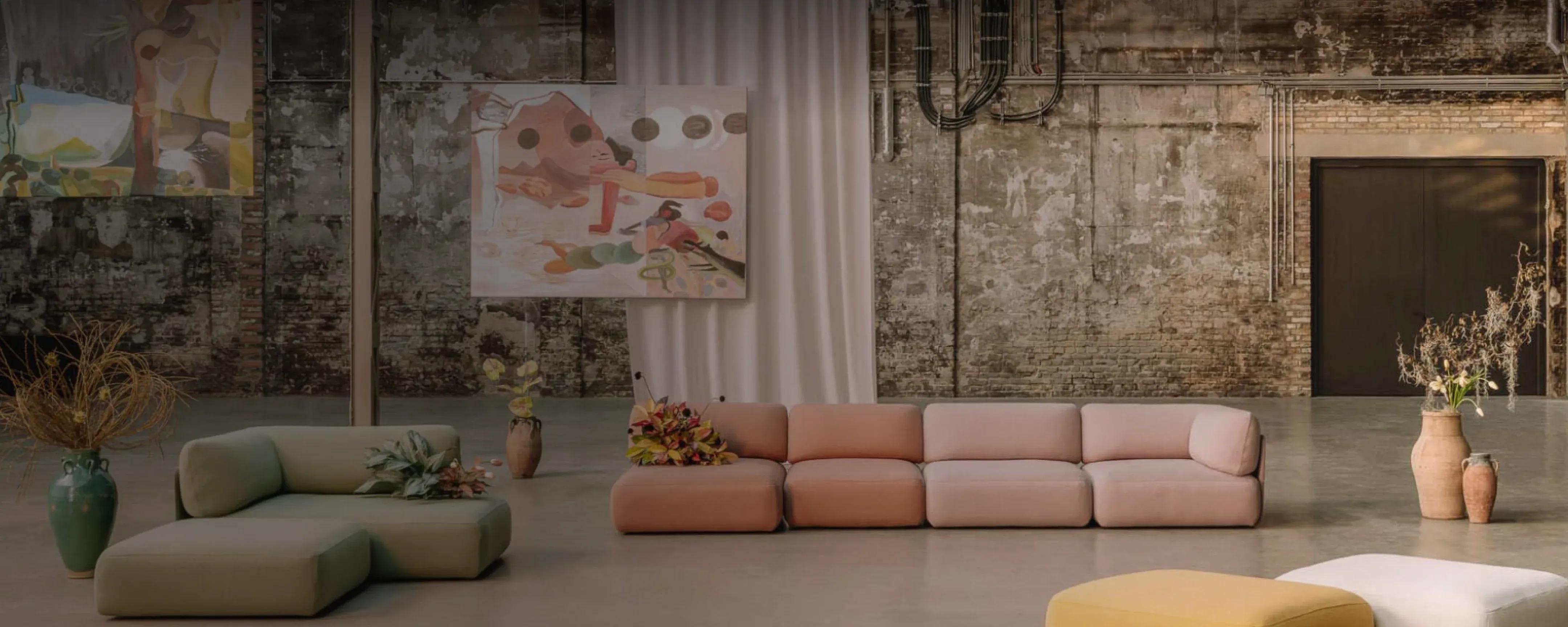
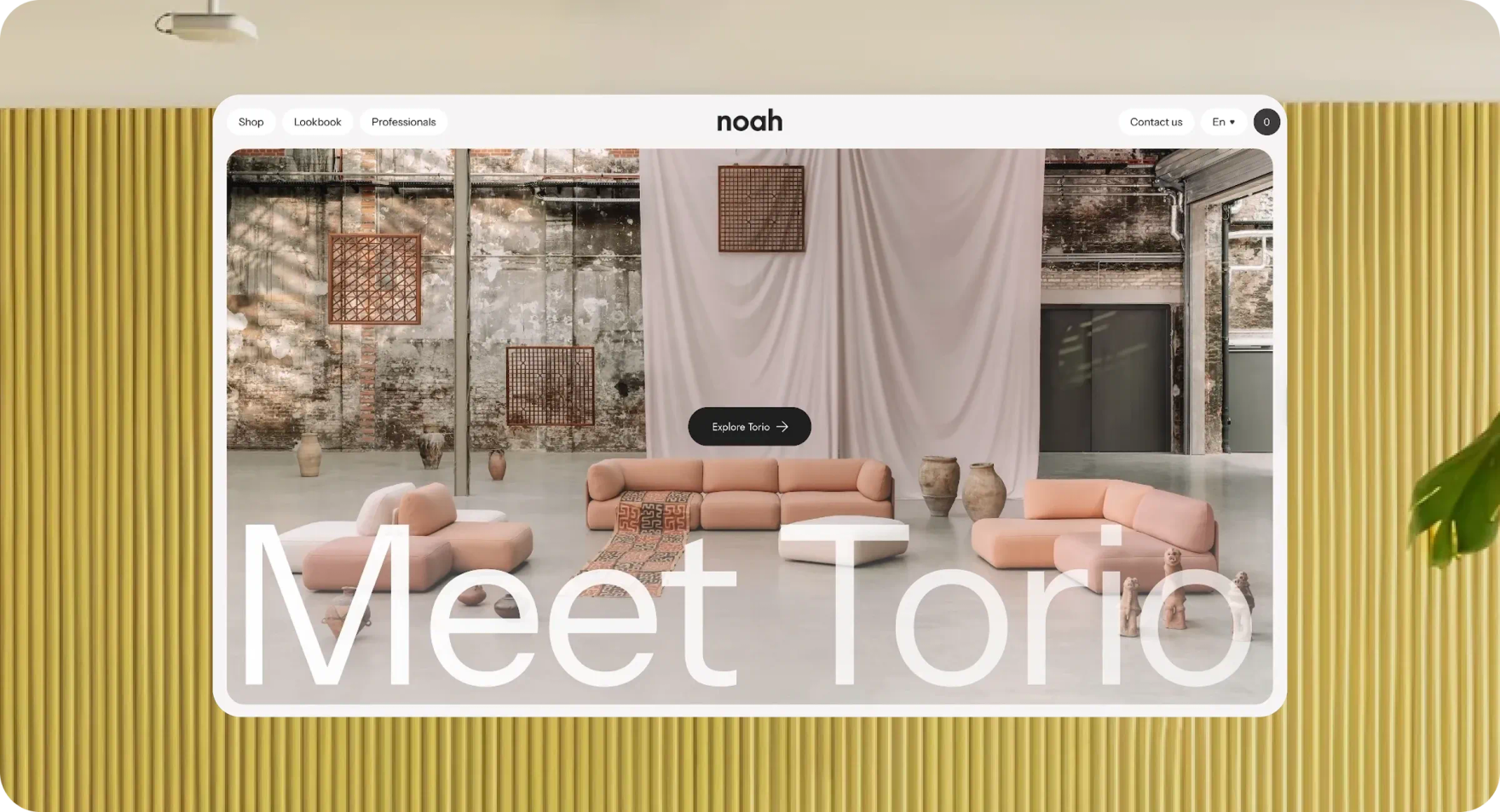
Noah Living is a German furniture manufacturer that produces eco-friendly furniture for conscious consumers. The founders of the business created a charming brand with a mission to combine smart designs and materials with traditional elements to create an innovative approach to furniture and living. The brand launched in March 2020 and has already won the German Design Award twice.
About the product
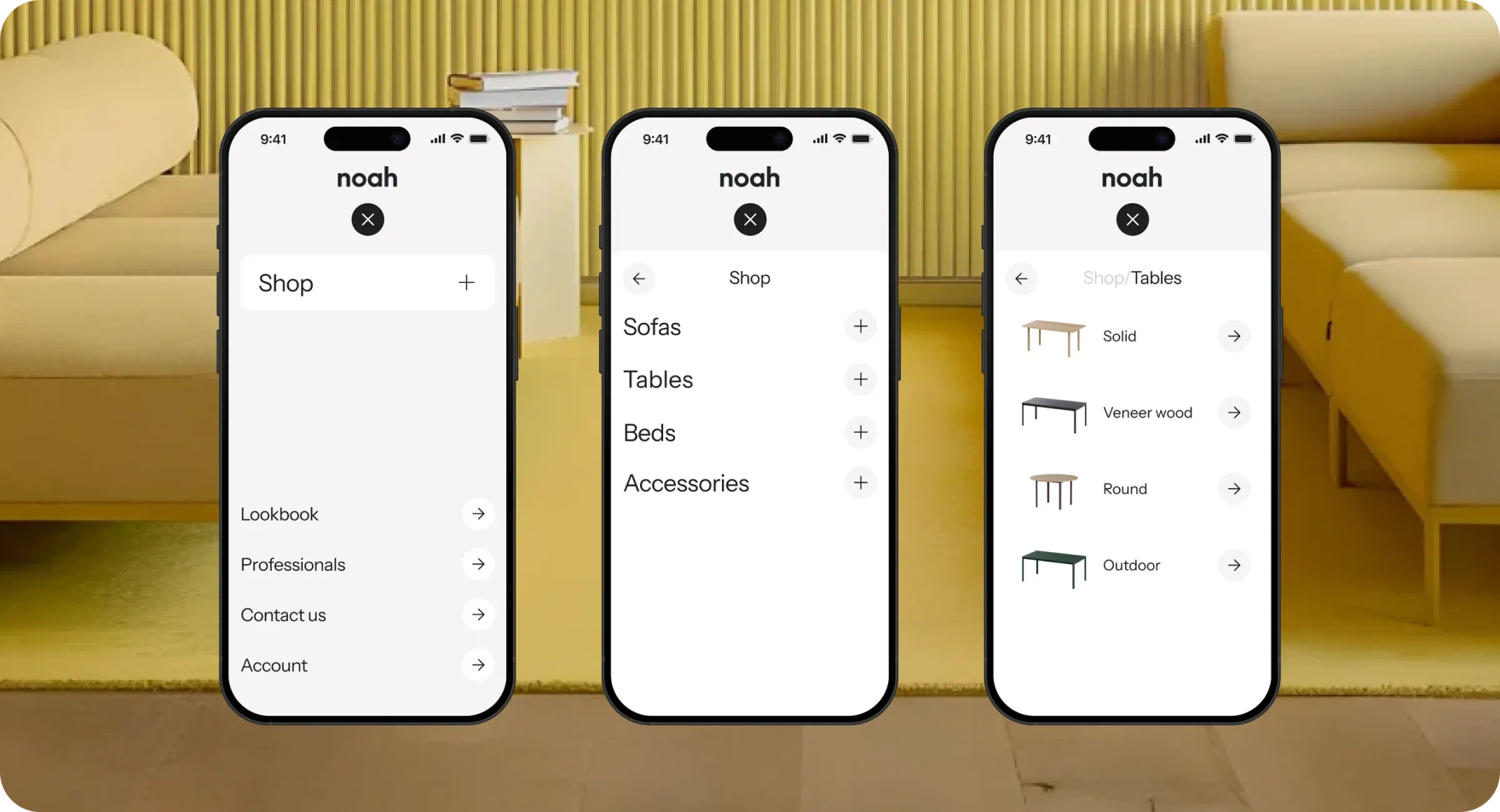
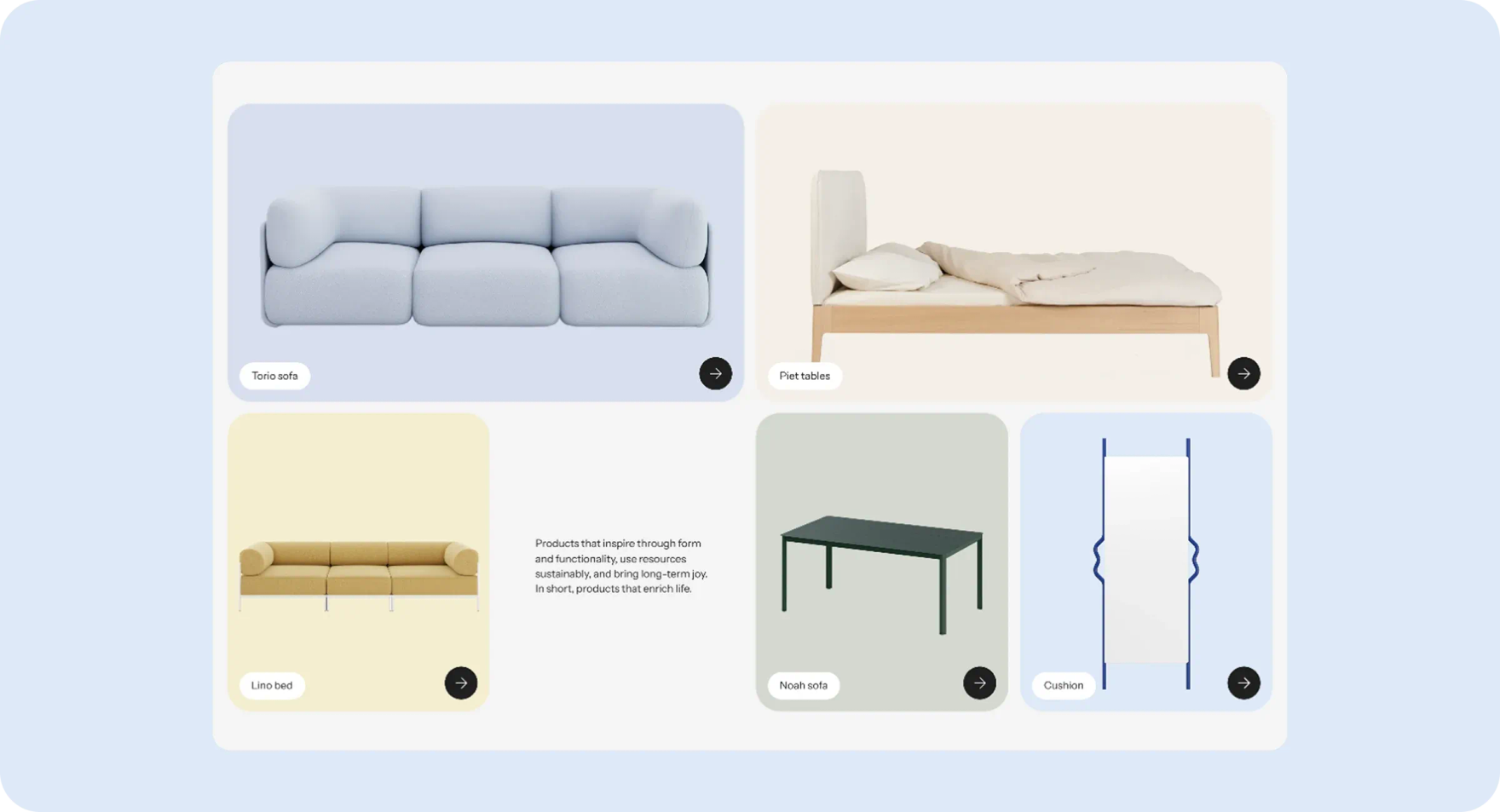
Noah Living offers a wide range of creatively designed products, from modular sofas and wood-frame beds to flexible table systems and joy mirrors. The core principles embodied in their products include sustainability and maintainability, meaning that all components of their furniture are easily modified, repaired, or replaced, allowing customers to use the products they purchase longer and reduce resource consumption.

Challenge overview – Why migrate to Shopify 2.0
The client was looking to expand their business with a renewed ecommerce store that would have unlimited scalability and perfect performance. At the same time, they required a secure and accurate order management process and additional features to showcase their product authenticity. The best part, though, was to get such an advanced solution that would still be easy to update and customize.
The DigitalSuits team found a solution – we offered the client to migrate their existing store to the Shopify 2.0 architecture, which allowed for improved flexibility and store management and offered far more customization opportunities.
Our solutions – Upgrade to Shopify 2.0
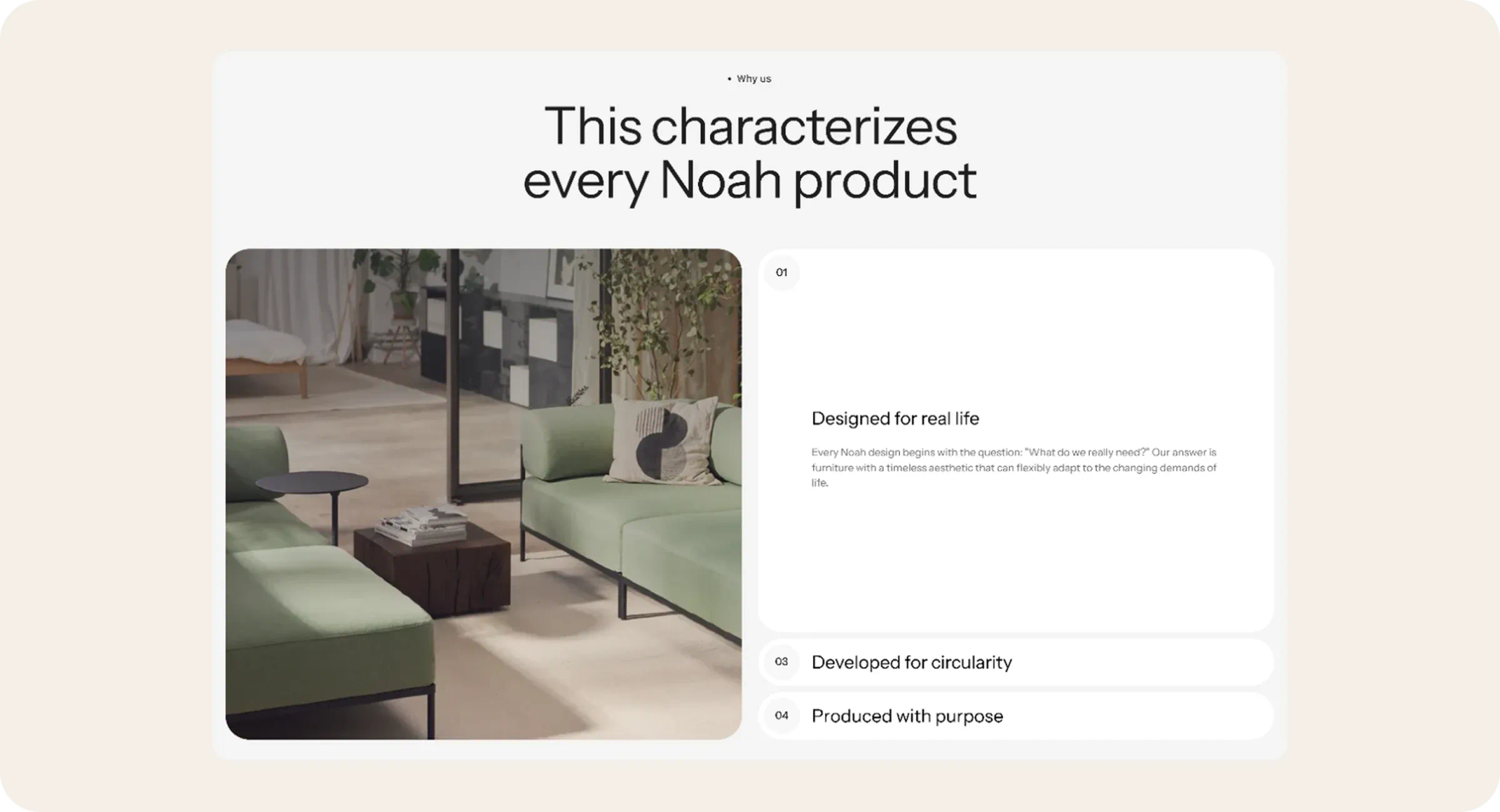
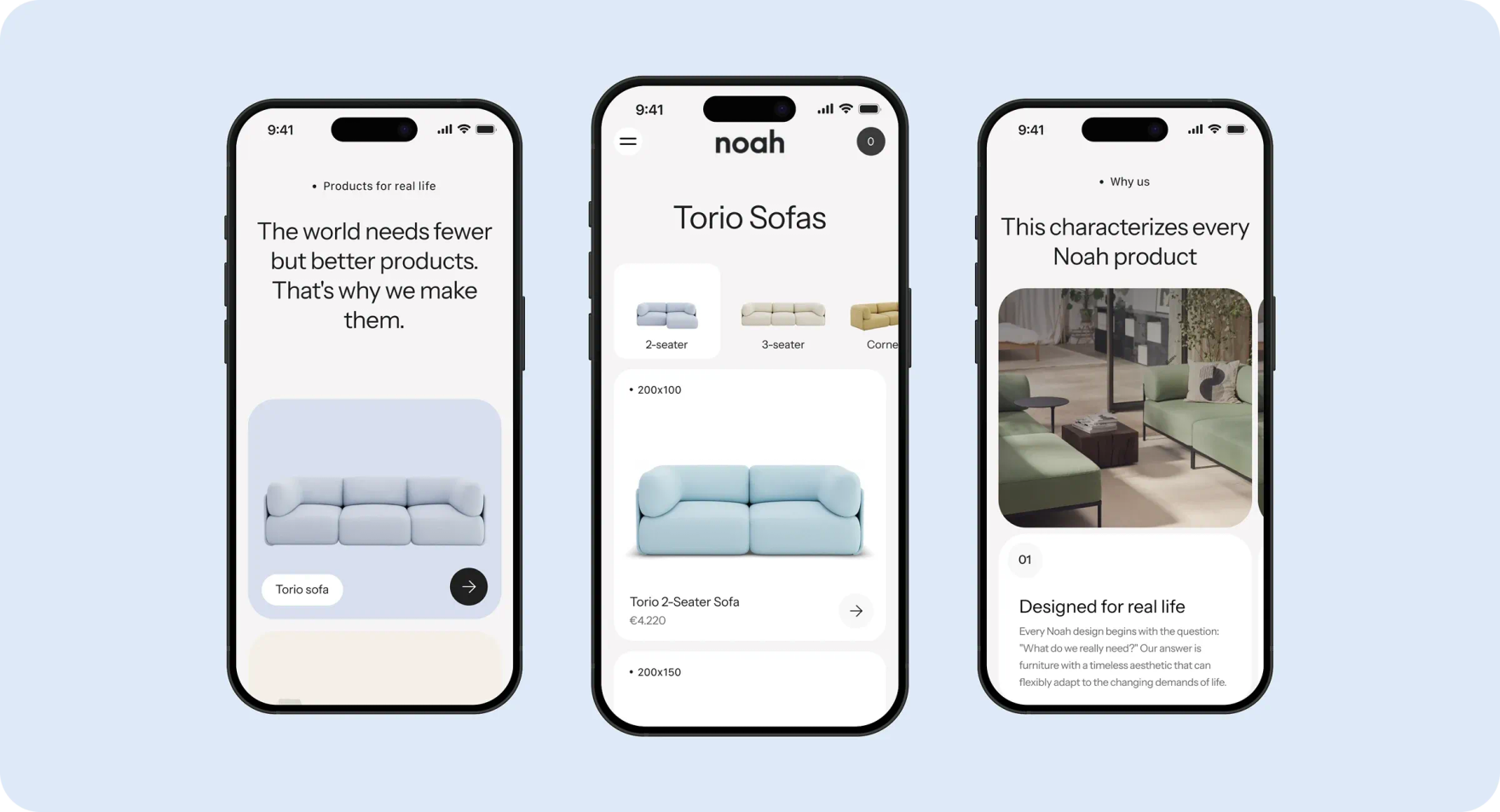
- Shopify 2.0 migration. To help our client make page sections reusable throughout the site and simplify Shopify maintenance, we migrated their store to Shopify 2.0. It allowed creating slick designs using advanced architecture with improved capabilities. After rewriting all the templates and splitting the pages into sections, we let our client reuse, swap, or hide any store elements without coding.
- Immersive features. We used Shopify headless development solutions, rewriting most site components and replacing common styles with more authentic ones. This let us implement immersive features, such as video guides on furniture assembly.
- Old page updates. To enable the wishlist functionality across the store, we ensured the upgrade to Shopify 2.0 of the old pages, bearing in mind that these pages may contain any sections. Their styles and functionality were in a single large file, so we had to split them and use hardcoding to make the logic smarter. That helped store owners make changes by applying only the instructions we provided and using the functionality without causing site overloads.
- Creating new pages. The client needed swift changes to the site structure and the addition of new pages designed in line with the Shopify 2.0 standards. We successfully combined the old website functionality with the new pages without breaking customer experience and even making it more user-friendly.
- Intermediate layer. Our team enabled Shopify integration with the Airtable app to improve order processing and simplify data management. We also implemented an intermediate automation layer, Make (fka Integromat), to monitor new orders and redirect them to Airtable.
- Tracking page. To track and retrieve dynamic data from Airtable, we created a backend application that sends an API request to Airtable when the user opens the tracking page. Using a unique ID, our API retrieves all the data and returns it to the front-end via a URL parameter. A pre-generated layout keeps the data about delivery lines and other information.
Results of upgrading to Shopify 2.0
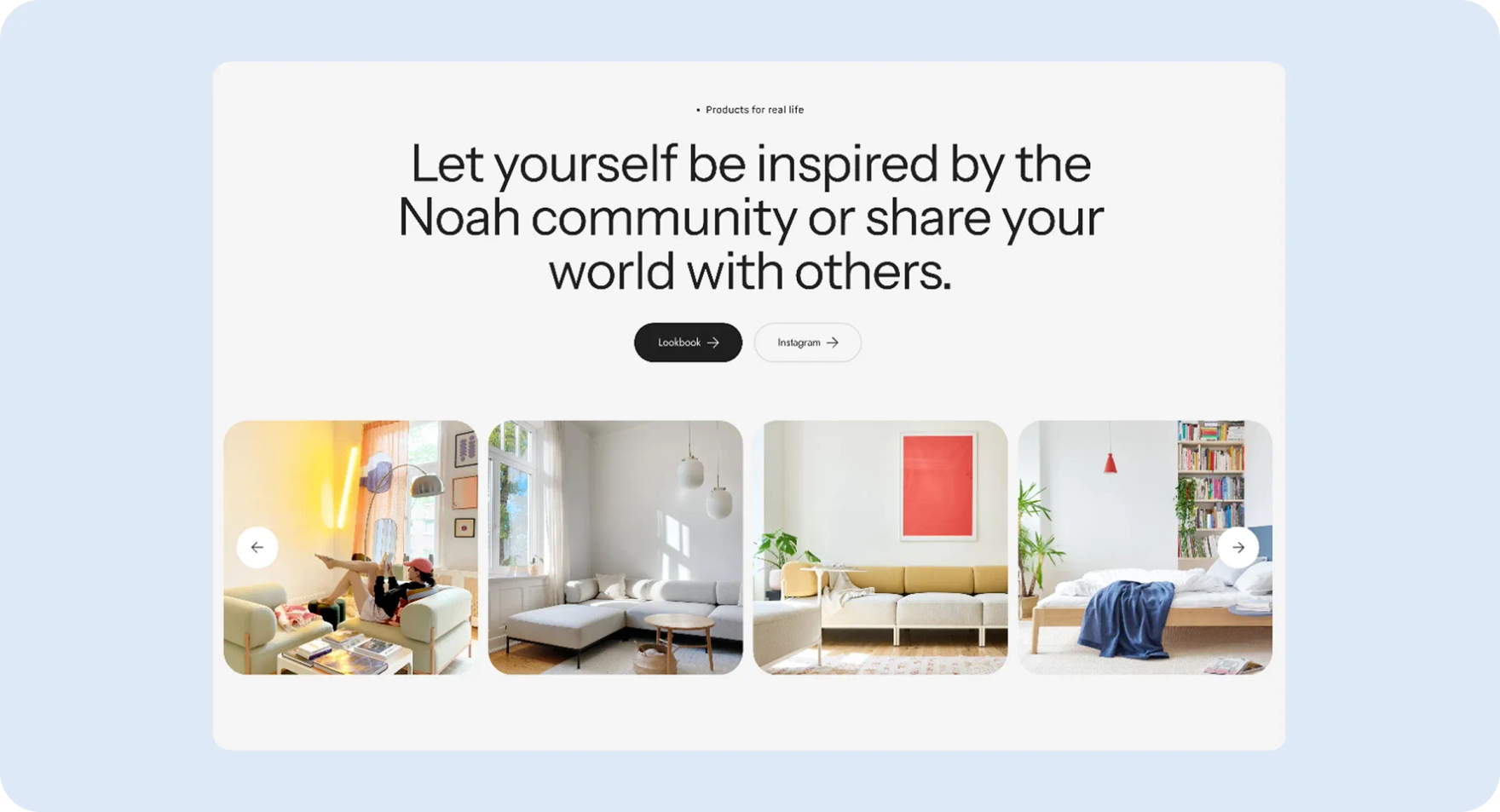
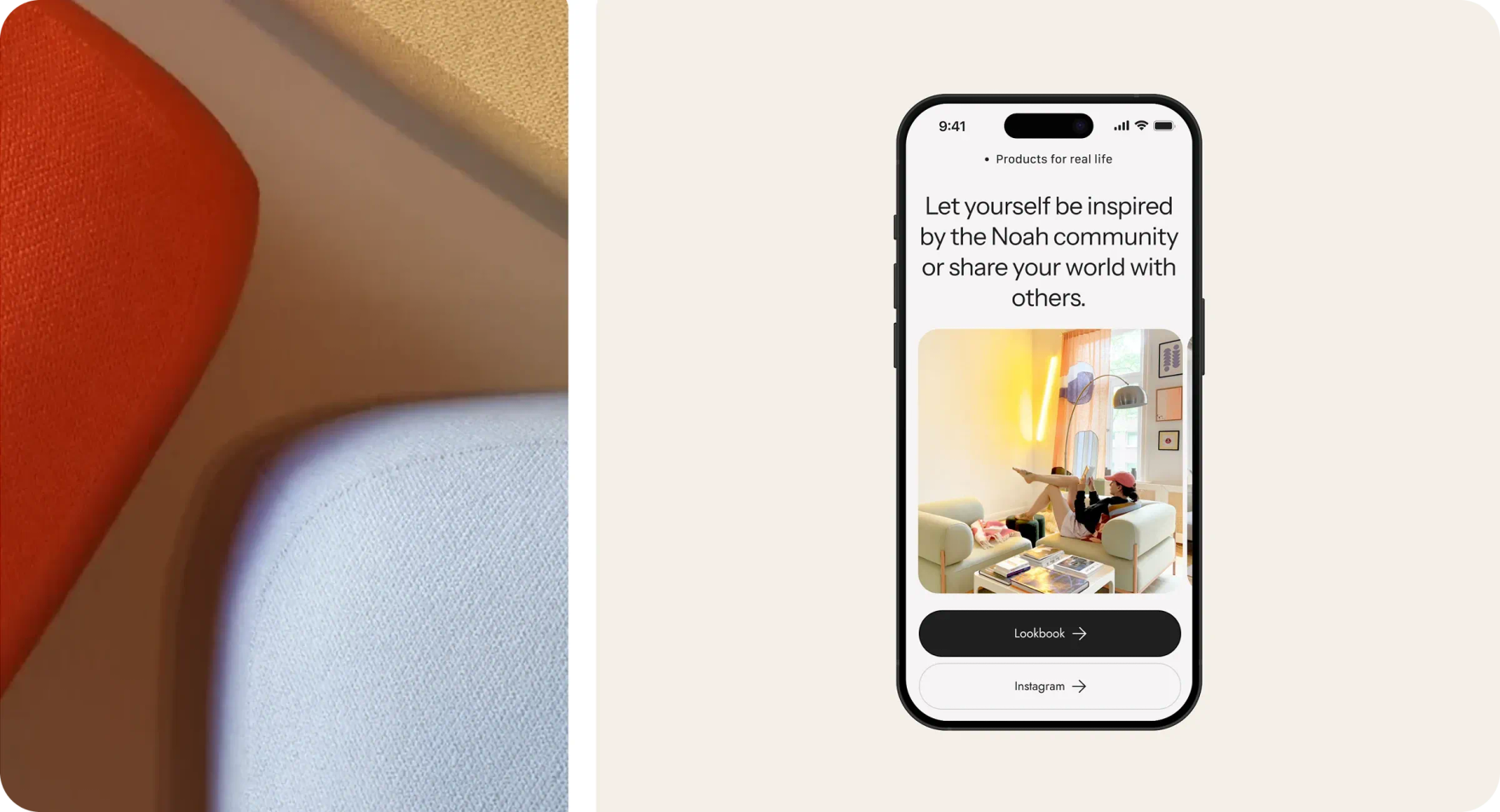
With the help of our Shopify development company, Noah Living built a highly functional store on the Shopify 2.0 architecture, which allows them to highlight the uniqueness of their brand and make customer journeys way more engaging. Now, their Shopify store design is entirely consistent with the brand identity and values. See all of Noah’s website elements and our vision of the improved web designs for the client in our Behance profile.
On top of that, the client achieved their desired goal – making store management more efficient and easier, saving their staff time and effort.
Looking to make your store as smart and appealing as Noah Living's? Contact our team for a consultation and your project discovery.
They're very diligent in terms of communicating and managing the entire project.
The project is still ongoing, but we enjoy working with DigitalSuits. The goal was to renew our Shopify store, update to Shopify 2.0, build new fulfillment processes/automizations with airtable and integromat. They also continue to impress with their solution-driven approach.
 Dario SchröderCEO